

Landing Page Notion template
By Notion · Landing Page · Free
This visually engaging and effective template allows you to craft a compelling online presence, ideally suited for introducing your brand, services, or products with precision and impact. Startups and small businesses can use this template to create a strong first impression, clearly outlining their mission, values, and offerings. Freelancers and professionals can leverage this template to showcase their portfolio, skills, and services, attracting potential clients and job opportunities. Product launches can utilize this template to introduce new products, highlighting key features, benefits, and user testimonials for maximum impact.
14-day free trial. No card needed.
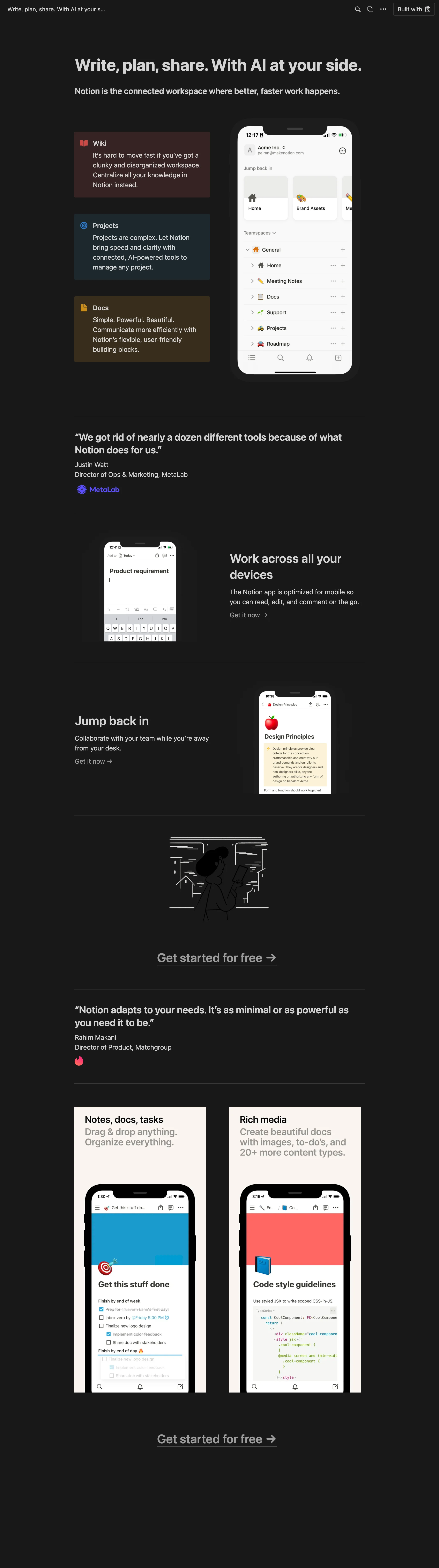
How to publish Landing Page as a website
- 1
Duplicate the template
Open Landing Page and click Duplicate, so a copy lands in your Notion workspace. Make it yours there.
- 2
Publish it to the web
In Notion, open Share, then Publish, and copy the link Notion shows.
- 3
Paste the link into Sotion
Your site goes live on a sotion.site address in about two minutes. Connect your own domain, and add passwords or member sign-in if the site isn't for everyone. The first 14 days are free, no card needed.
More templates by Notion
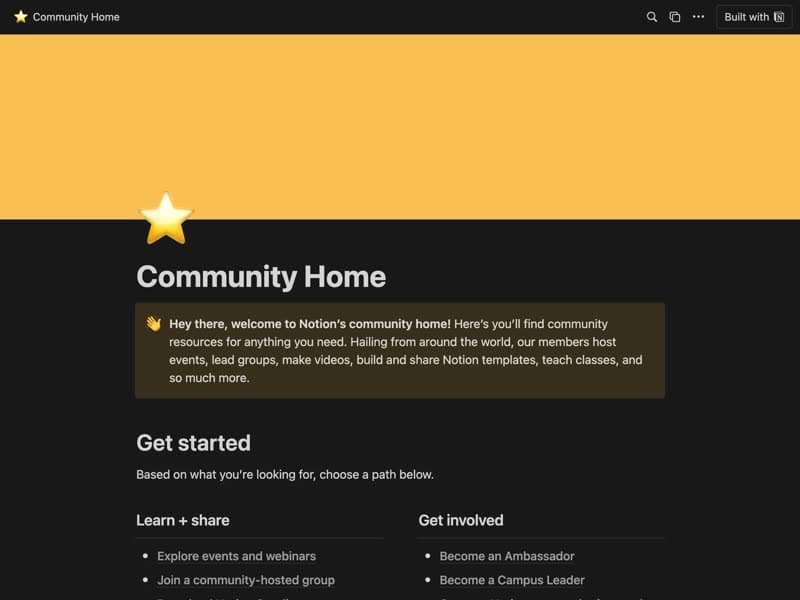
Community home
A hub for community events and member updates.

Conference Event Page
A conference's dates, location and agenda.
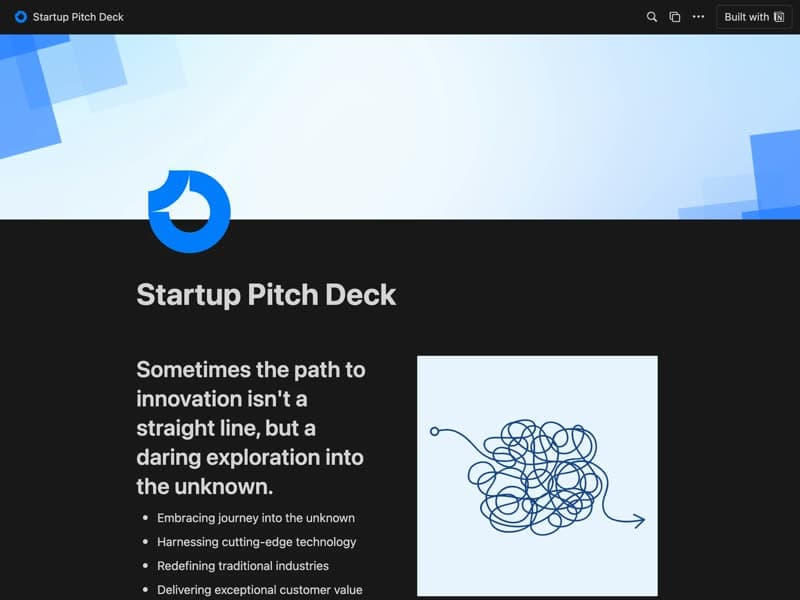
Startup Pitch Deck
Your vision, market and plan for investors.
Publish your template on your own domain
Sotion turns a published Notion page into a website on your own domain, with your branding and, if you need it, member access.
Start free trial14-day free trial. No card needed.