

Coaching Client Workbook Notion template
By Sotion · Client Portal · Free
This template gives each coaching client one workbook: a welcome note, your coaching agreement and three questions to answer before each session. Four linked databases follow the work. Goals track what the client wants, why it matters and how you'll both know it's done, Sessions keep the focus and key takeaway of each call, Homework holds agreed actions and due dates, and Resources collect the worksheets, exercises and books you recommend. Life and career coaches can duplicate it once per client. Executive coaches can keep a record of progress between sessions. Mentors can use it to share notes and next steps. Publish each copy with Sotion on your own domain, with a password or email sign-in for each client.
14-day free trial. No card needed.
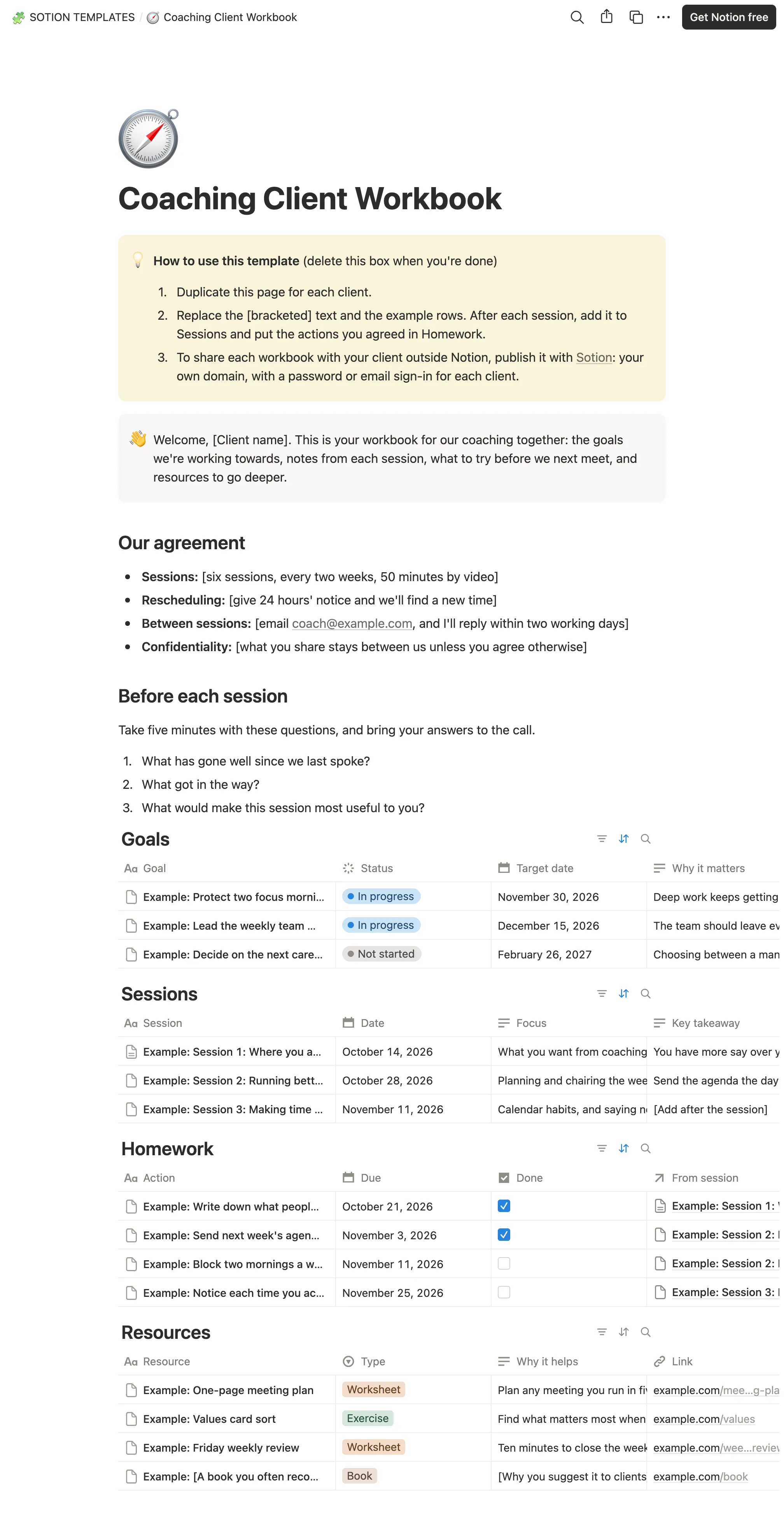
How to publish Coaching Client Workbook as a website
- 1
Duplicate the template
Open Coaching Client Workbook and click Duplicate, so a copy lands in your Notion workspace. Make it yours there.
- 2
Publish it to the web
In Notion, open Share, then Publish, and copy the link Notion shows.
- 3
Paste the link into Sotion
Your site goes live on a sotion.site address in about two minutes. Connect your own domain, and add passwords or member sign-in if the site isn't for everyone. The first 14 days are free, no card needed.
More Client Portal templates
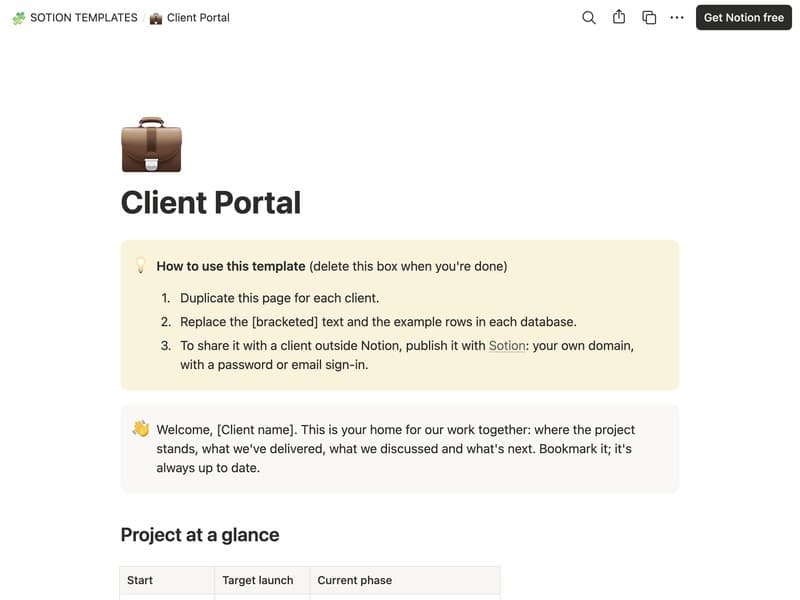
Client Portal
One hub for each client's project, files and invoices.
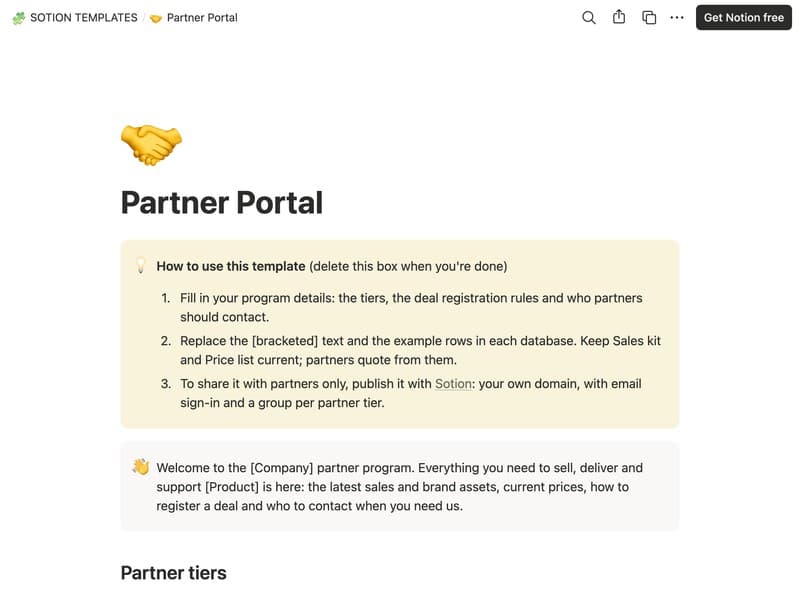
Partner Portal
A sales kit, price list, deal registration and training for partners.
Publish your template on your own domain
Sotion turns a published Notion page into a website on your own domain, with your branding and, if you need it, member access.
Start free trial14-day free trial. No card needed.