

Event Attendee Hub Notion template
By Sotion · Event Site · Free
This template is the one page attendees need for a conference, workshop or meetup: the event at a glance, what to know before you arrive, how to get there and who to ask on the day. Four linked databases hold the program. Schedule lists each session with its time, room and format, Speakers links each speaker to their sessions, Materials collects slides and recordings as they become available, and Updates posts room changes and reminders. Event organizers can duplicate it once per event. Conference teams can keep attendees informed without a separate app. Workshop hosts can share slides and recordings after each session. Publish it with Sotion on your own domain, with email sign-in and an allowlist of registered attendees.
14-day free trial. No card needed.
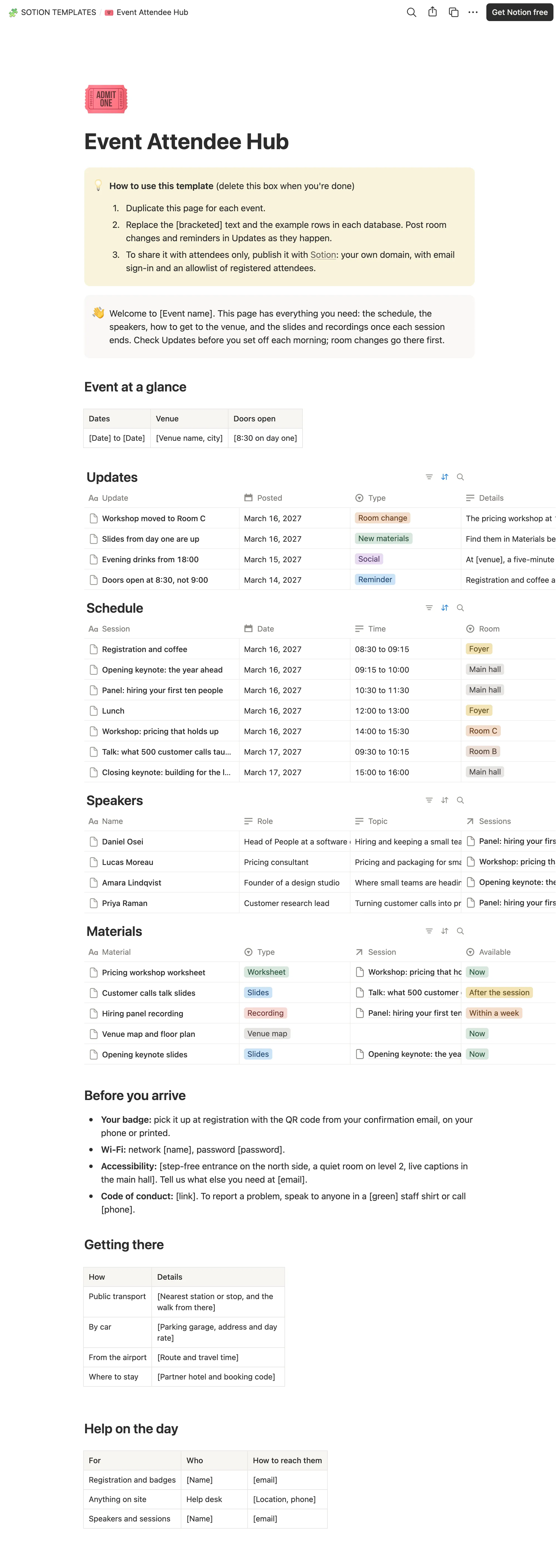
How to publish Event Attendee Hub as a website
- 1
Duplicate the template
Open Event Attendee Hub and click Duplicate, so a copy lands in your Notion workspace. Make it yours there.
- 2
Publish it to the web
In Notion, open Share, then Publish, and copy the link Notion shows.
- 3
Paste the link into Sotion
Your site goes live on a sotion.site address in about two minutes. Connect your own domain, and add passwords or member sign-in if the site isn't for everyone. The first 14 days are free, no card needed.
More Event Site templates
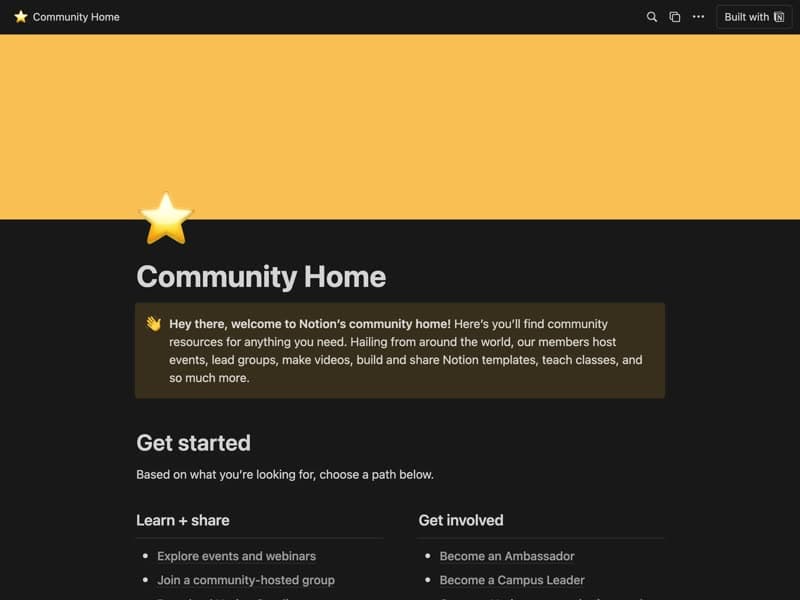
Community home
A hub for community events and member updates.

Conference Event Page
A conference's dates, location and agenda.
Publish your template on your own domain
Sotion turns a published Notion page into a website on your own domain, with your branding and, if you need it, member access.
Start free trial14-day free trial. No card needed.