

Brand Guidelines Notion template
By Sotion · Brand Guideline · Free
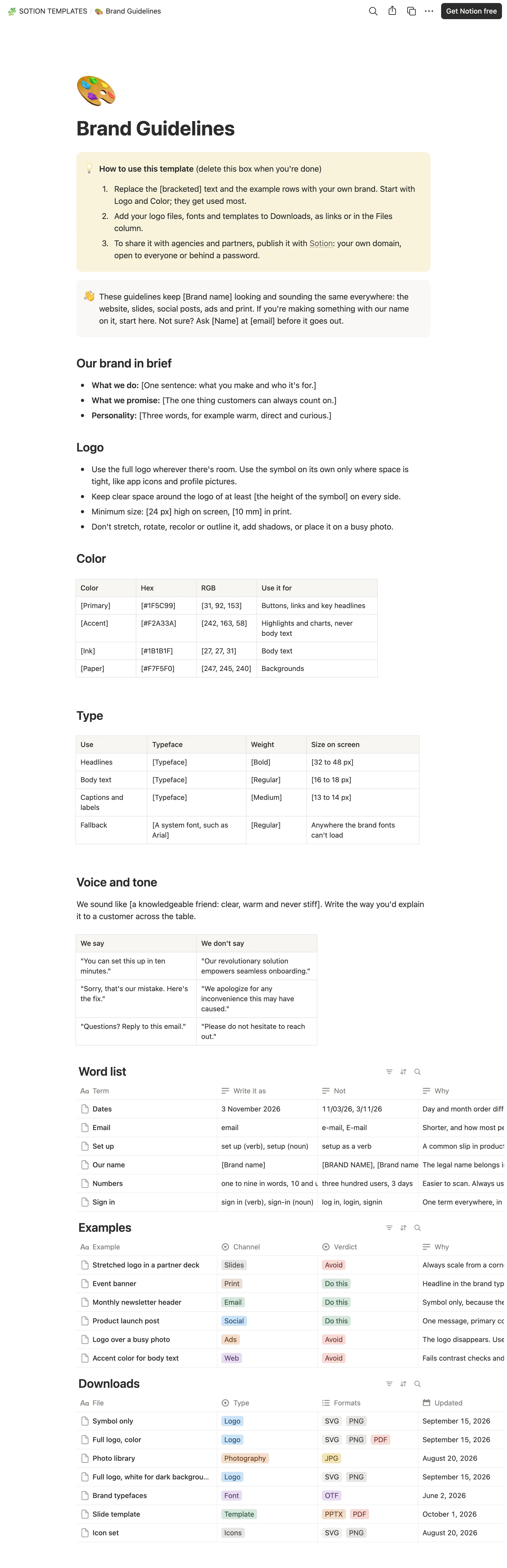
This template turns your brand into one page anyone can follow: the brand in brief, logo rules, a color table with hex and RGB values, a type scale and a voice and tone section with phrases to use and avoid. Three databases cover the detail. Word list settles how you write dates, numbers and product terms, Examples show what to do and what to avoid on each channel, and Downloads keeps logos, fonts and slide templates with their formats. Startups can give freelancers one reference. Marketing teams can keep every channel consistent. Agencies can hand a client's guidelines to anyone who works on the account. Publish it with Sotion on your own domain, open to everyone or behind a password.
14-day free trial. No card needed.
How to publish Brand Guidelines as a website
- 1
Duplicate the template
Open Brand Guidelines and click Duplicate, so a copy lands in your Notion workspace. Make it yours there.
- 2
Publish it to the web
In Notion, open Share, then Publish, and copy the link Notion shows.
- 3
Paste the link into Sotion
Your site goes live on a sotion.site address in about two minutes. Connect your own domain, and add passwords or member sign-in if the site isn't for everyone. The first 14 days are free, no card needed.
More Brand Guideline templates
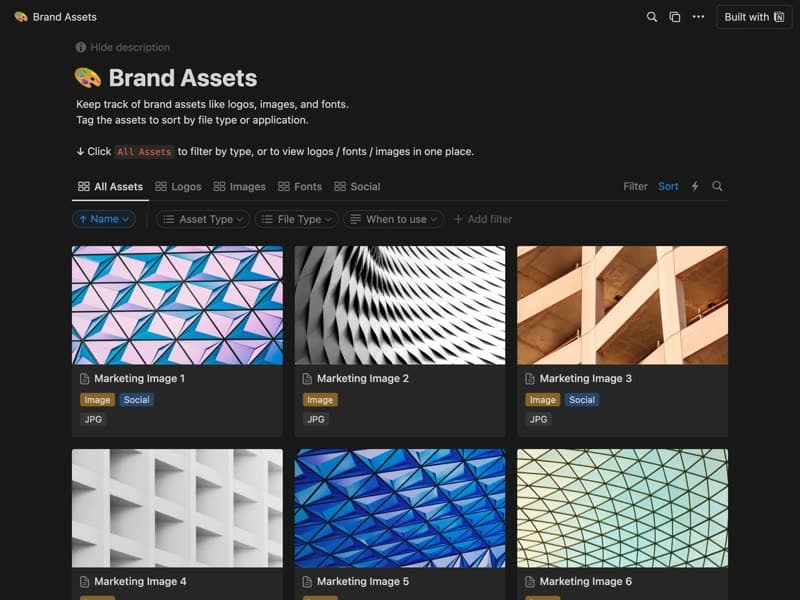
Brand Assets
Logos, images and fonts, tagged by type and use.
Publish your template on your own domain
Sotion turns a published Notion page into a website on your own domain, with your branding and, if you need it, member access.
Start free trial14-day free trial. No card needed.