

Brand Assets Notion template
By Notion · Brand Guideline · Free
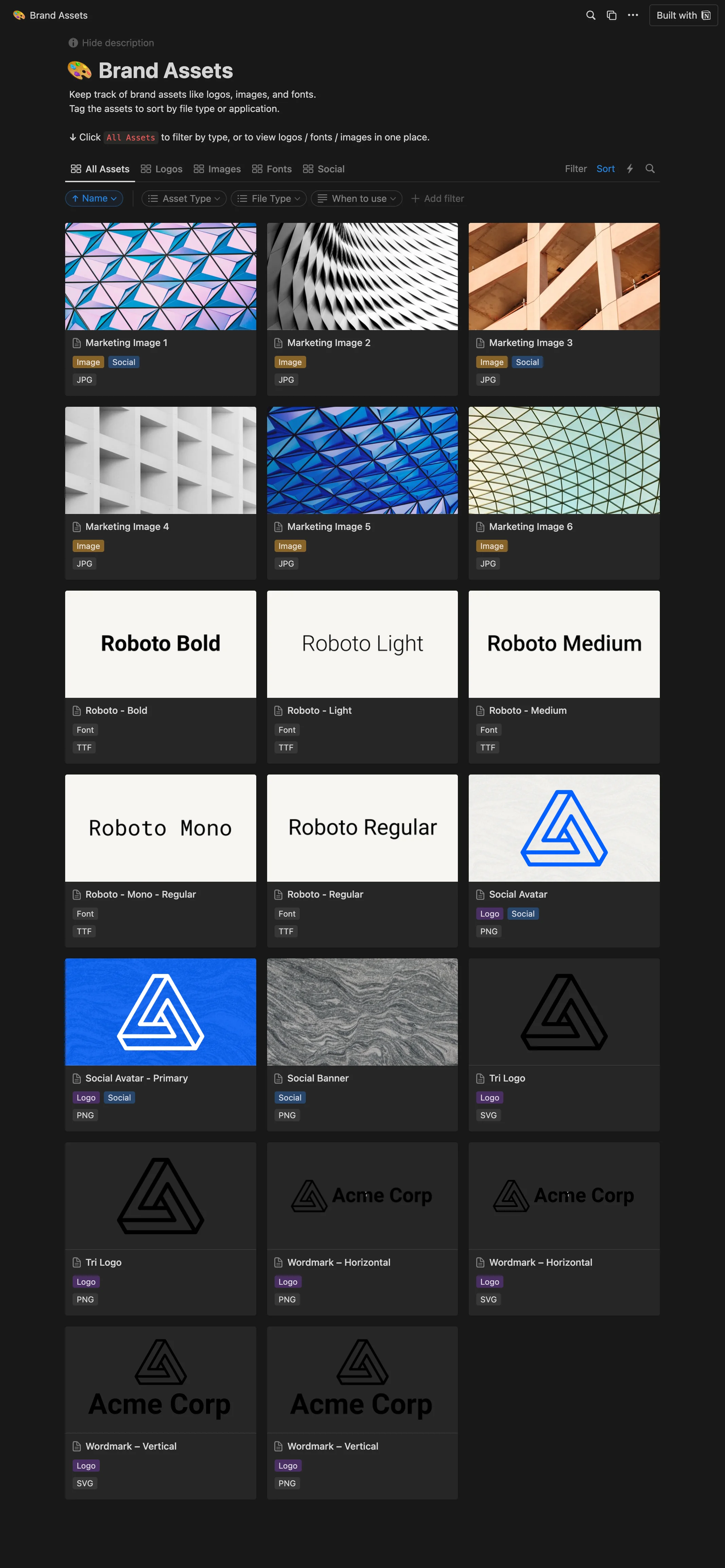
This template is designed to help you effectively keep track of your brand assets such as logos, images, and fonts. It features a tagging system that allows you to sort the assets by file type or application, ensuring easy access and organization. Design teams can use this template to centralize all their brand assets, enabling easy and swift access for all team members, hence increasing efficiency. Marketing teams can utilize this template to ensure brand consistency across all their campaigns by having all their brand assets in one place. Freelancers and agencies can leverage this template to manage their client's brand assets efficiently, ensuring they always use the correct and most up-to-date assets.
14-day free trial. No card needed.
How to publish Brand Assets as a website
- 1
Duplicate the template
Open Brand Assets and click Duplicate, so a copy lands in your Notion workspace. Make it yours there.
- 2
Publish it to the web
In Notion, open Share, then Publish, and copy the link Notion shows.
- 3
Paste the link into Sotion
Your site goes live on a sotion.site address in about two minutes. Connect your own domain, and add passwords or member sign-in if the site isn't for everyone. The first 14 days are free, no card needed.
More templates by Notion
Personal Blog
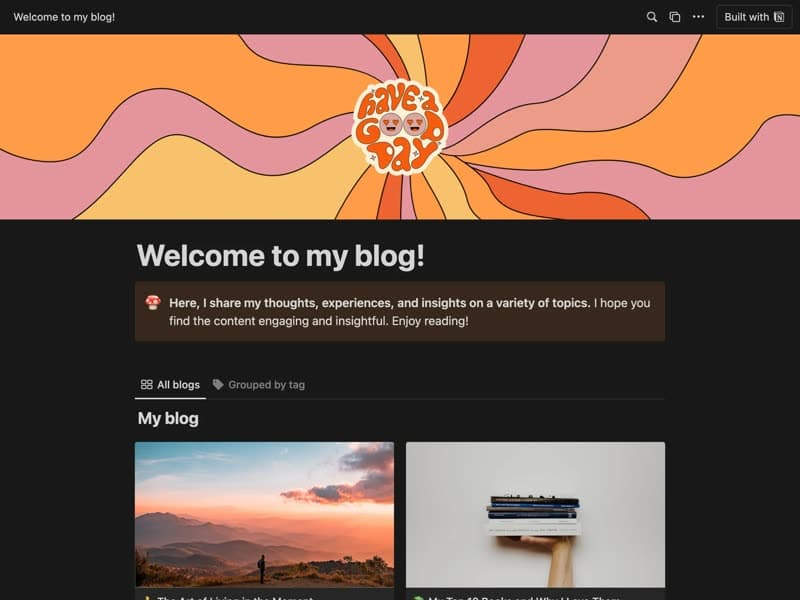
A blog for personal essays and how-to pieces.
Blog post
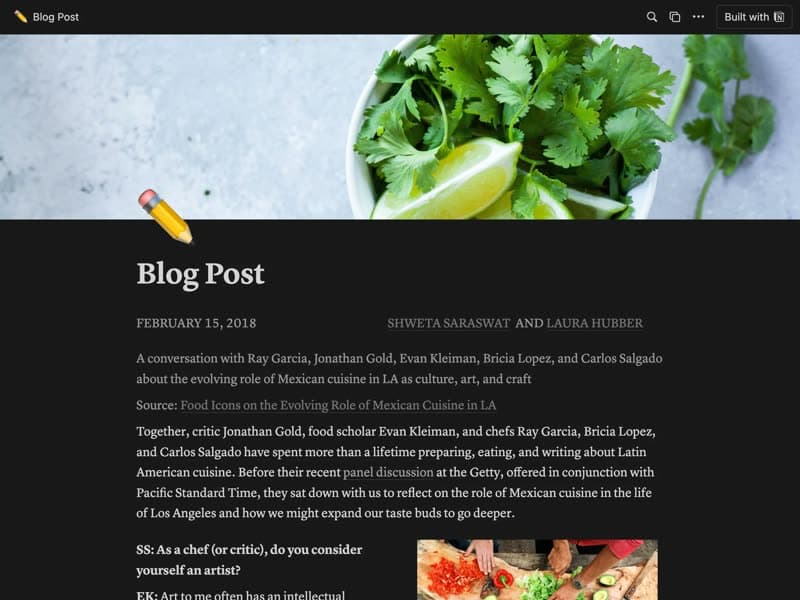
A single post layout mixing text and images.
Syllabus
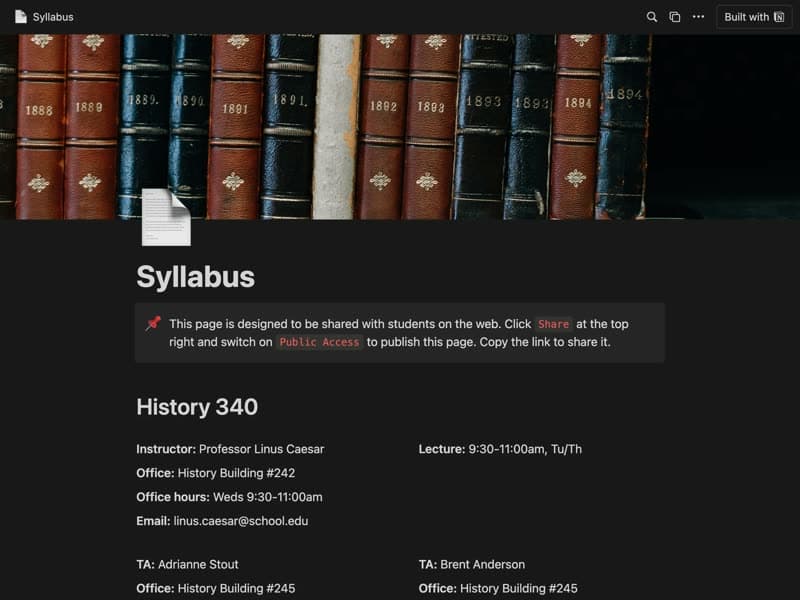
A course syllabus your students can open on the web.
Publish your template on your own domain
Sotion turns a published Notion page into a website on your own domain, with your branding and, if you need it, member access.
Start free trial14-day free trial. No card needed.