

Digital Product Delivery Notion template
By Sotion · Course Site · Free
This template is the page buyers land on after they pay: a thank-you note, three start-here steps and everything they bought. Downloads lists each file with its format, version, size and notes, Guides explain how to open, print and use the files, and Updates logs every new version and what changed, so buyers come back for it. A license section and common questions cover the rest. Creators selling workbooks, templates or video courses can deliver them from one page. Designers and consultants can hand over toolkits to clients. Small publishers can keep every version in one place. Publish it with Sotion on your own domain, behind a Stripe paywall so only people who paid get in.
14-day free trial. No card needed.
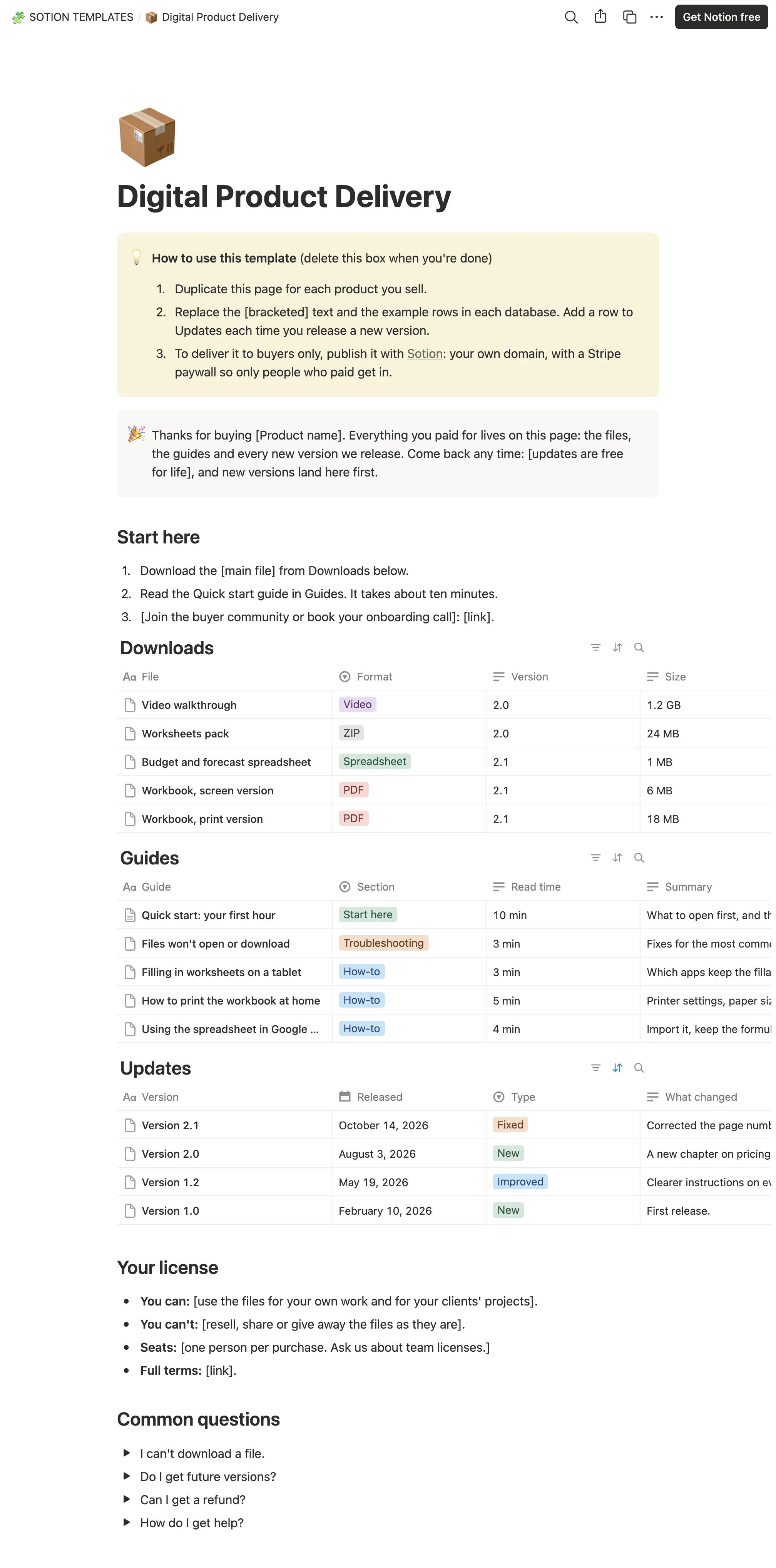
How to publish Digital Product Delivery as a website
- 1
Duplicate the template
Open Digital Product Delivery and click Duplicate, so a copy lands in your Notion workspace. Make it yours there.
- 2
Publish it to the web
In Notion, open Share, then Publish, and copy the link Notion shows.
- 3
Paste the link into Sotion
Your site goes live on a sotion.site address in about two minutes. Connect your own domain, and add passwords or member sign-in if the site isn't for everyone. The first 14 days are free, no card needed.
More Course Site templates
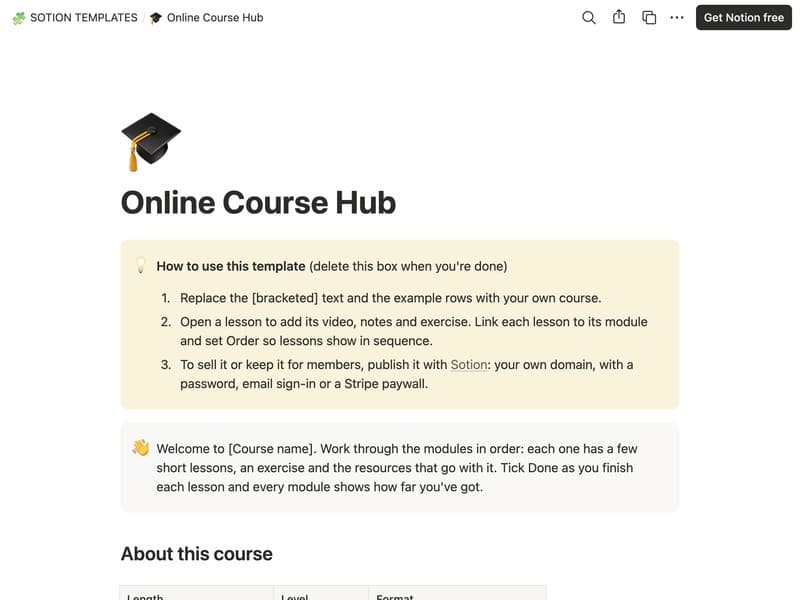
Online Course Hub
A course home with modules, lessons and resources.
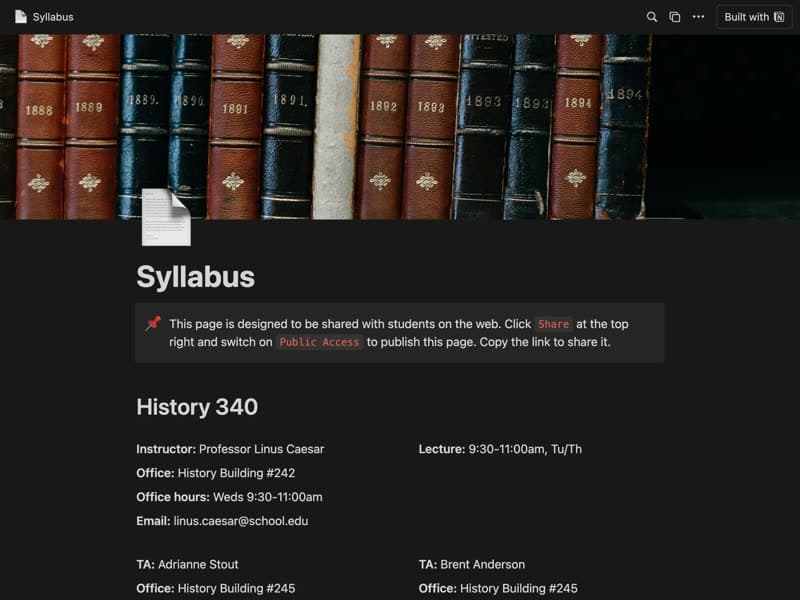
Syllabus
A course syllabus your students can open on the web.
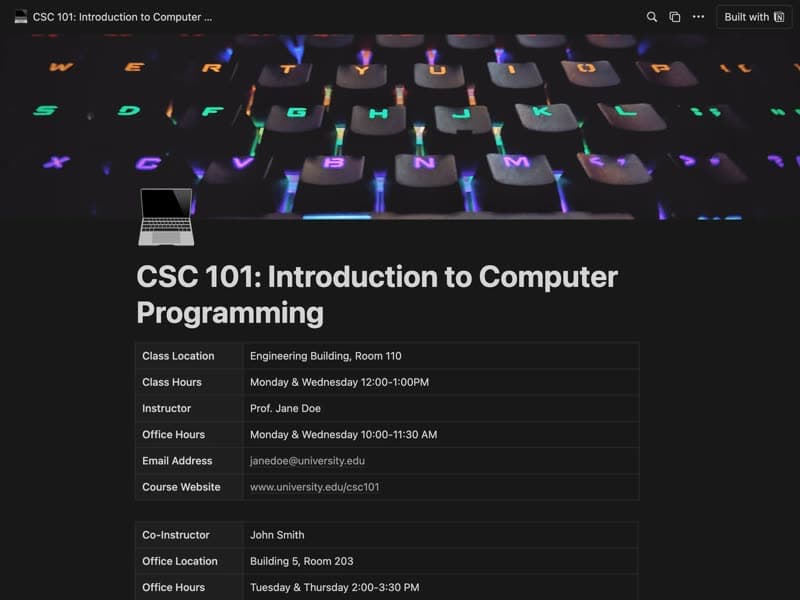
College Syllabus
A full course outline with schedule, materials and assessments.
Publish your template on your own domain
Sotion turns a published Notion page into a website on your own domain, with your branding and, if you need it, member access.
Start free trial14-day free trial. No card needed.