

Online Course Hub Notion template
By Sotion · Course Site · Free
This template is the home page for an online course: a welcome note, the course at a glance, tips for getting the most from it and a section about the instructor. Three linked databases hold the course itself. Modules list their lessons with a progress column, Lessons give each one a format, a length and a place in the order, and Resources keep worksheets and slides next to the module they belong to. Coaches and trainers can turn a workshop into a self-paced course. Creators can sell a course without moving to a course platform. Teams can use it for internal training. Publish it with Sotion on your own domain, with email sign-in for students or a Stripe paywall for buyers.
14-day free trial. No card needed.
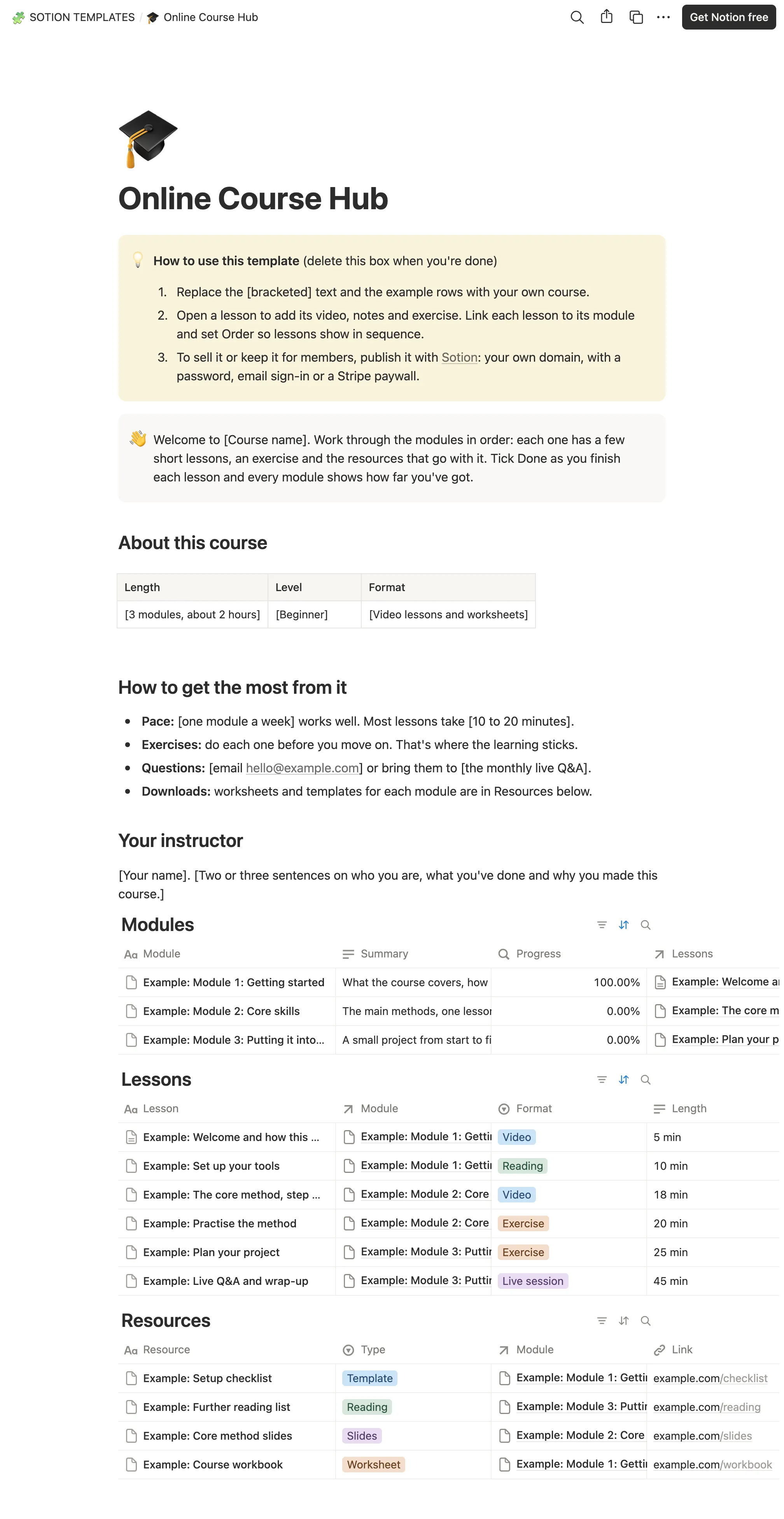
How to publish Online Course Hub as a website
- 1
Duplicate the template
Open Online Course Hub and click Duplicate, so a copy lands in your Notion workspace. Make it yours there.
- 2
Publish it to the web
In Notion, open Share, then Publish, and copy the link Notion shows.
- 3
Paste the link into Sotion
Your site goes live on a sotion.site address in about two minutes. Connect your own domain, and add passwords or member sign-in if the site isn't for everyone. The first 14 days are free, no card needed.
More Course Site templates
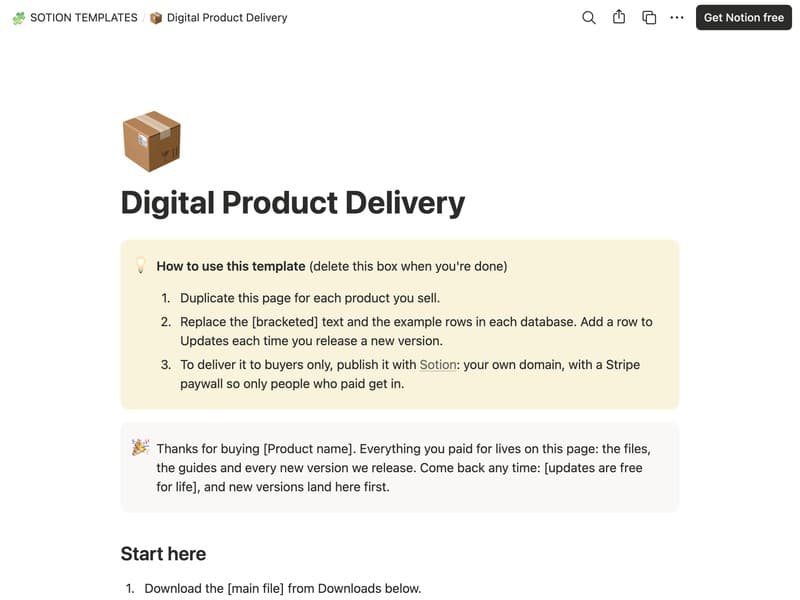
Digital Product Delivery
A download page with files, guides and updates for buyers.
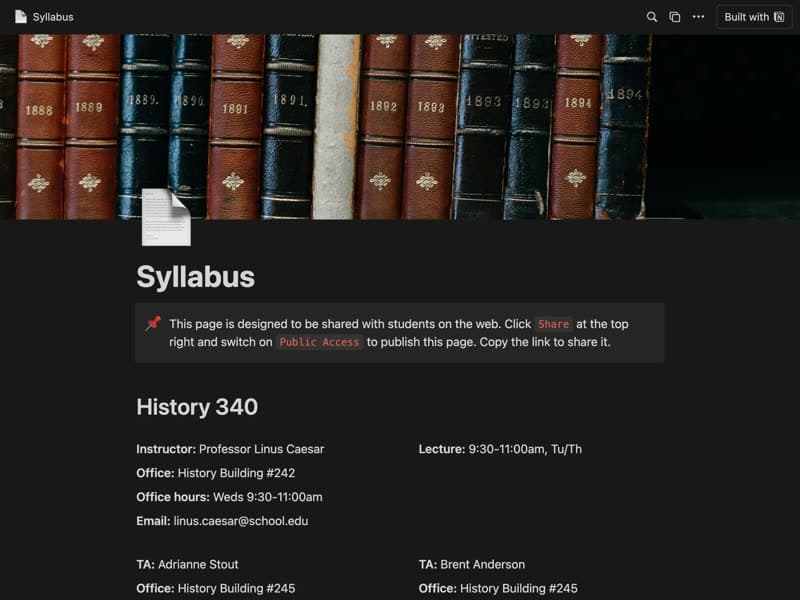
Syllabus
A course syllabus your students can open on the web.
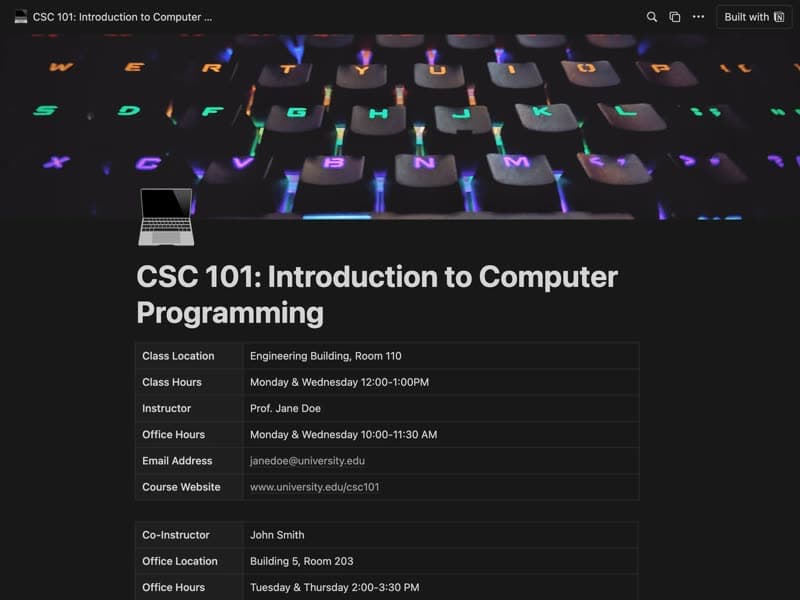
College Syllabus
A full course outline with schedule, materials and assessments.
Publish your template on your own domain
Sotion turns a published Notion page into a website on your own domain, with your branding and, if you need it, member access.
Start free trial14-day free trial. No card needed.