

Premium Content Library Notion template
This template keeps everything a paid membership publishes in one place: a welcome note, a start-here list for new members, what membership includes and how to get in touch. The Library database holds each article, download and replay with its topic, format, length, publish date and whether it is a free preview, and a By topic view lets members browse by subject. Live sessions lists upcoming calls with join links, and What's new tells members what changed. Newsletter writers can turn their back catalog into a library. Educators and communities can share worksheets and session replays. Publish it with Sotion on your own domain, with email sign-in for members or a Stripe paywall, and members never need a Notion account.
14-day free trial. No card needed.
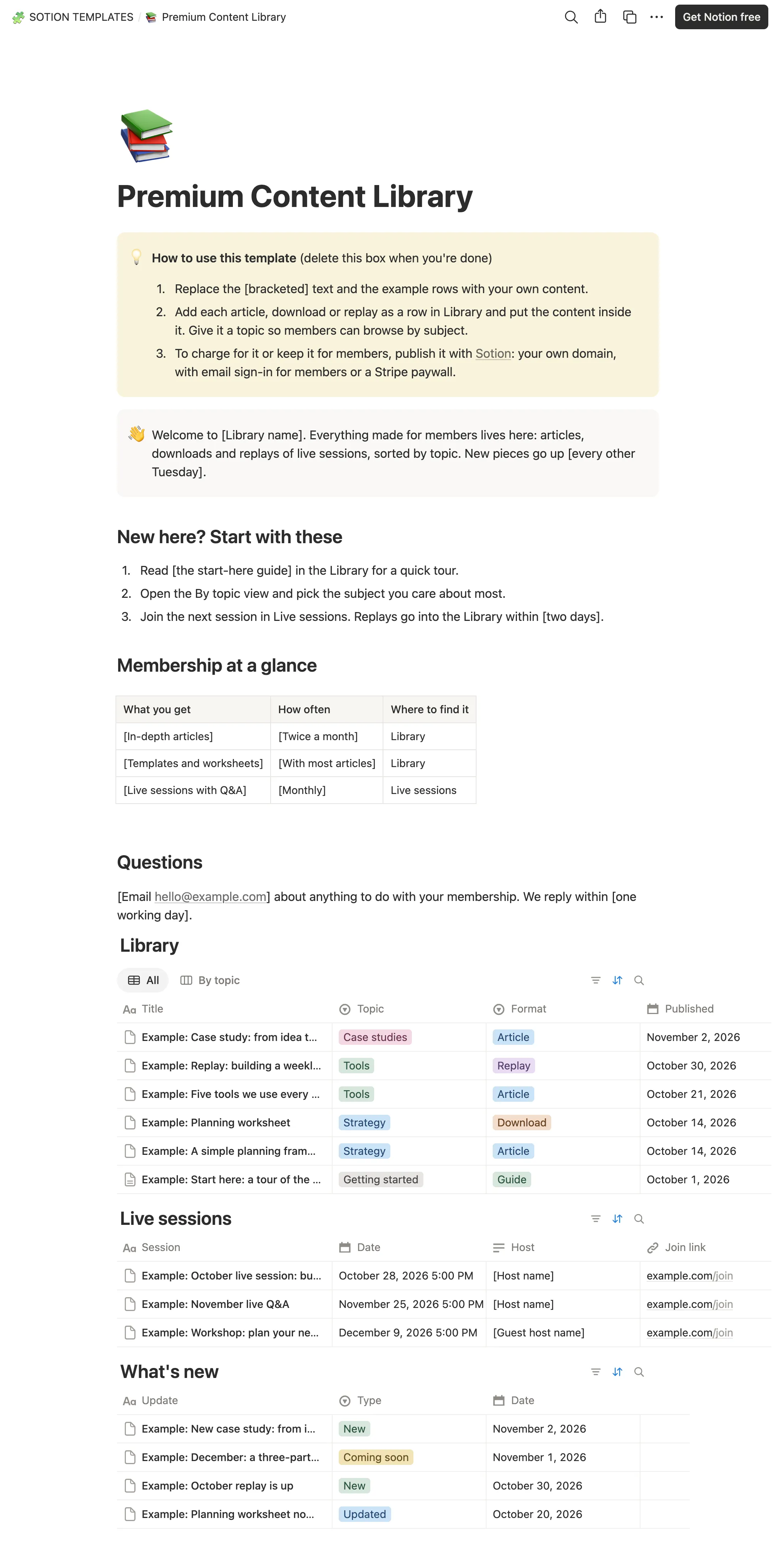
How to publish Premium Content Library as a website
- 1
Duplicate the template
Open Premium Content Library and click Duplicate, so a copy lands in your Notion workspace. Make it yours there.
- 2
Publish it to the web
In Notion, open Share, then Publish, and copy the link Notion shows.
- 3
Paste the link into Sotion
Your site goes live on a sotion.site address in about two minutes. Connect your own domain, and add passwords or member sign-in if the site isn't for everyone. The first 14 days are free, no card needed.
More Blogging templates
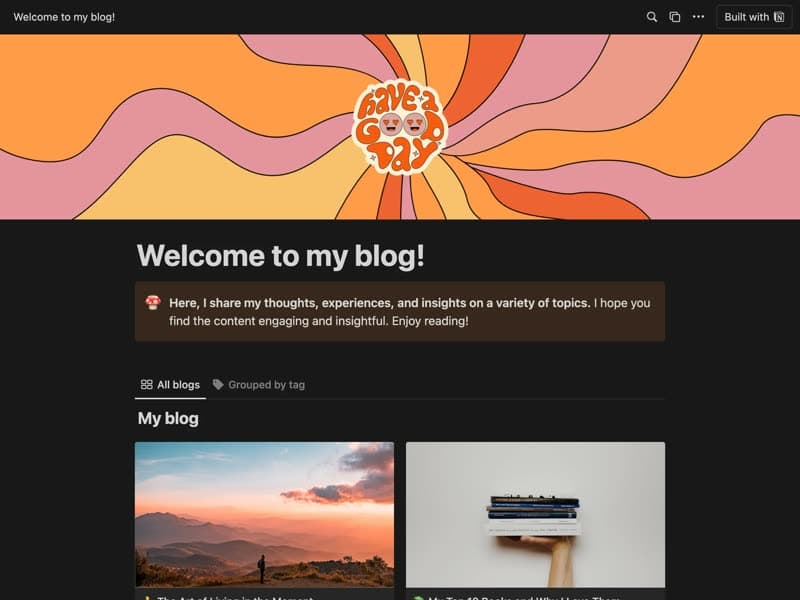
Personal Blog
A blog for personal essays and how-to pieces.
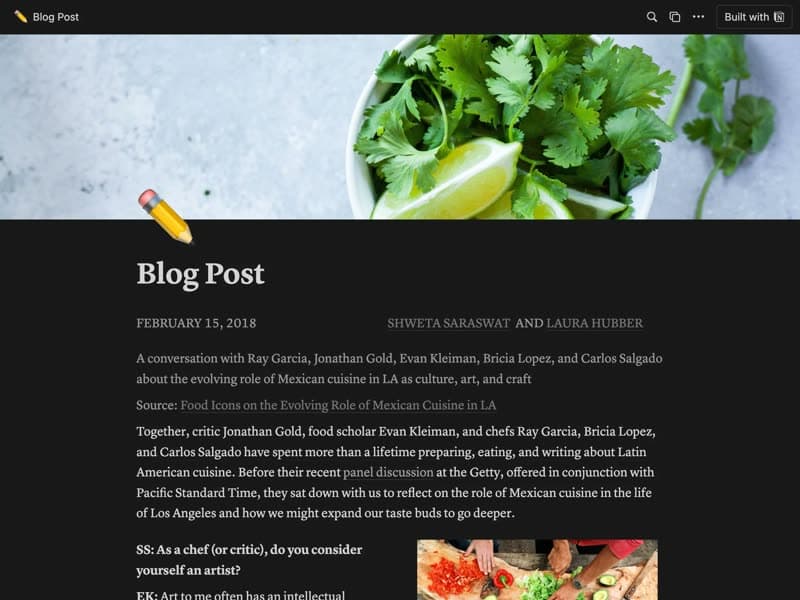
Blog post
A single post layout mixing text and images.
Publish your template on your own domain
Sotion turns a published Notion page into a website on your own domain, with your branding and, if you need it, member access.
Start free trial14-day free trial. No card needed.