

Personal Blog Notion template
This versatile template is perfect for sharing a wide variety of content, from personal reflections to informative pieces. It's designed to cater to both novice and seasoned bloggers, providing a flexible structure that accommodates any blogging style or topic. New bloggers can use this template to easily start their blogging journey, using the structured layout to organize their thoughts and content effectively. Seasoned bloggers can utilize this template to streamline their content creation process, using the adaptable format to meet the needs of their diverse content. Content creators and writers can leverage this template to plan and draft their blog posts, keeping track of their writing schedule and content ideas in one place.
14-day free trial. No card needed.
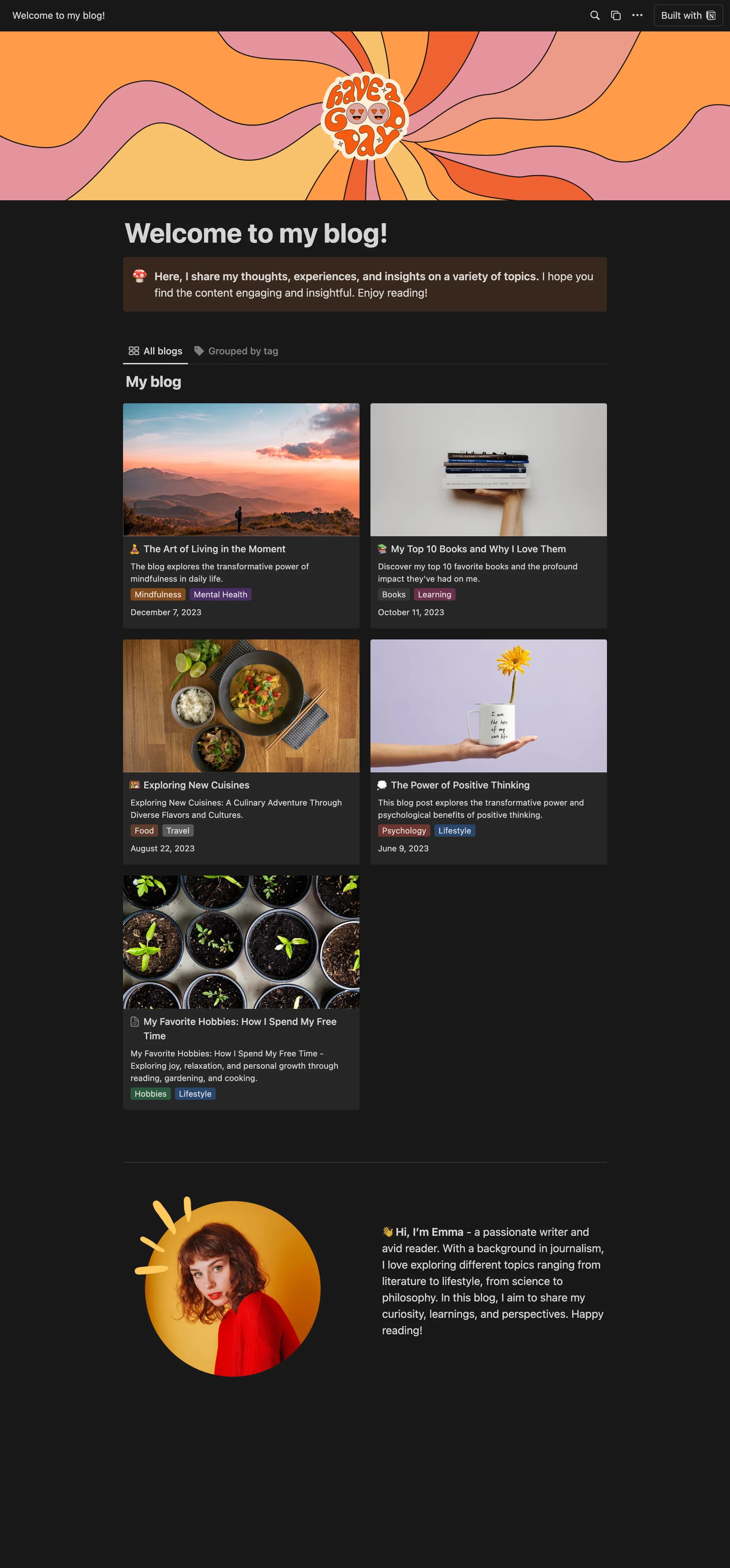
How to publish Personal Blog as a website
- 1
Duplicate the template
Open Personal Blog and click Duplicate, so a copy lands in your Notion workspace. Make it yours there.
- 2
Publish it to the web
In Notion, open Share, then Publish, and copy the link Notion shows.
- 3
Paste the link into Sotion
Your site goes live on a sotion.site address in about two minutes. Connect your own domain, and add passwords or member sign-in if the site isn't for everyone. The first 14 days are free, no card needed.
More Blogging templates
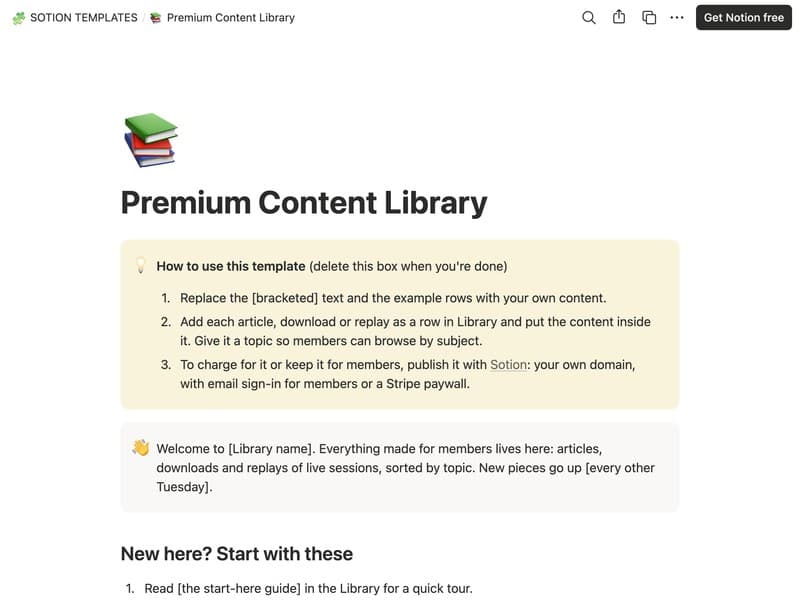
Premium Content Library
A members' archive of articles, downloads and replays by topic.
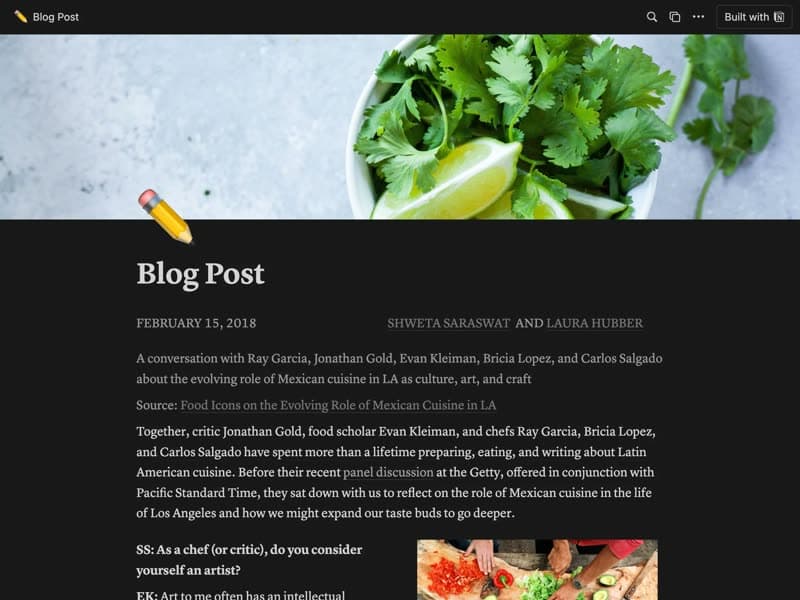
Blog post
A single post layout mixing text and images.
Publish your template on your own domain
Sotion turns a published Notion page into a website on your own domain, with your branding and, if you need it, member access.
Start free trial14-day free trial. No card needed.