

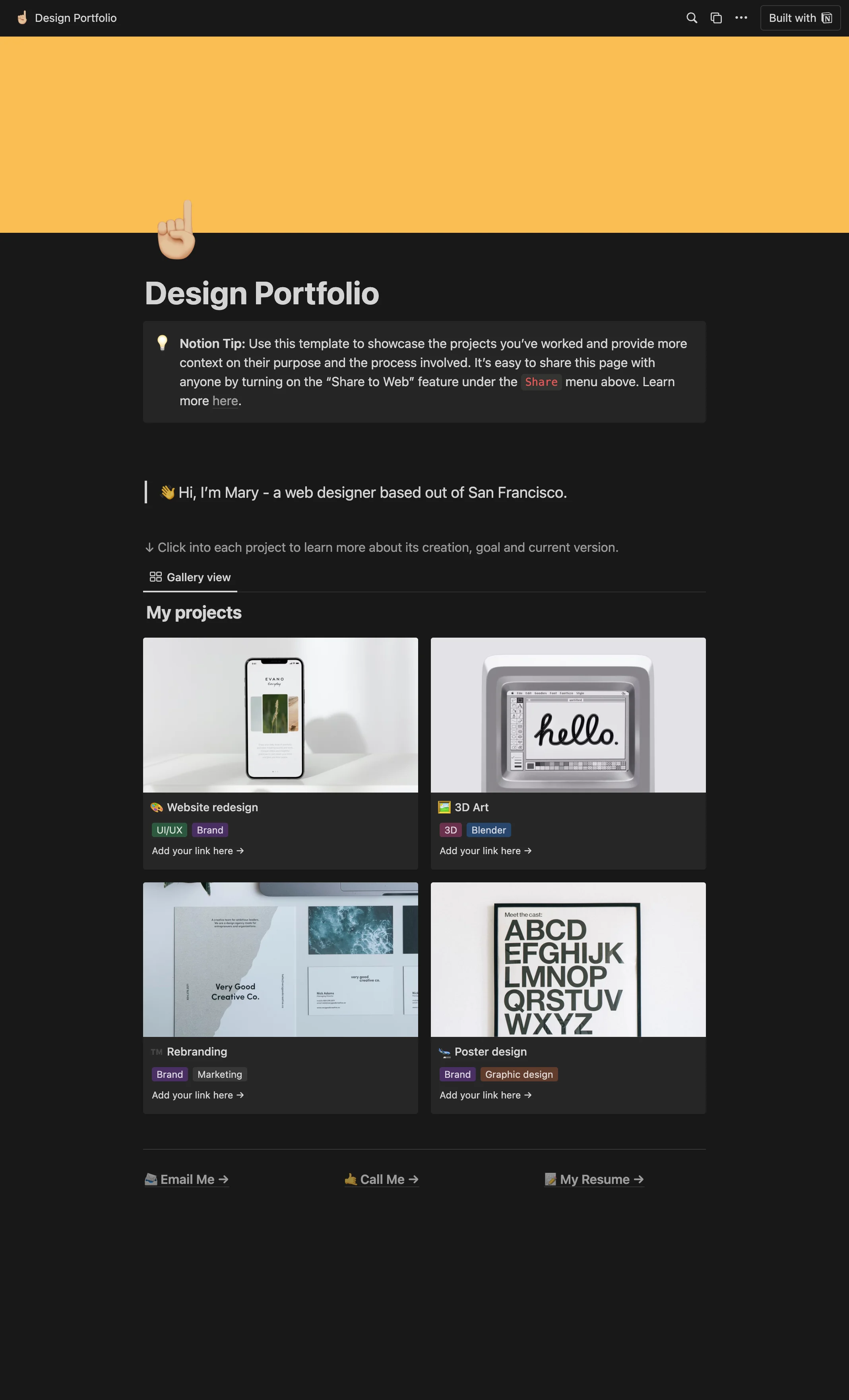
Design Portfolio Notion template
This template is designed to help you effectively showcase the creative projects you have worked on. It provides space for you to offer more context about their purpose and the development process followed by you or your team. Freelancers can use this template to present their portfolio in a structured manner, giving potential clients a detailed understanding of their work process and final products. Creative agencies can leverage this template to highlight their team's projects, detailing the purpose and development process to give clients an insight into their working style and capabilities. Students in creative fields can use this template to present their projects in a comprehensive and professional format for assessments or job applications.
14-day free trial. No card needed.
How to publish Design Portfolio as a website
- 1
Duplicate the template
Open Design Portfolio and click Duplicate, so a copy lands in your Notion workspace. Make it yours there.
- 2
Publish it to the web
In Notion, open Share, then Publish, and copy the link Notion shows.
- 3
Paste the link into Sotion
Your site goes live on a sotion.site address in about two minutes. Connect your own domain, and add passwords or member sign-in if the site isn't for everyone. The first 14 days are free, no card needed.
More Portfolio templates
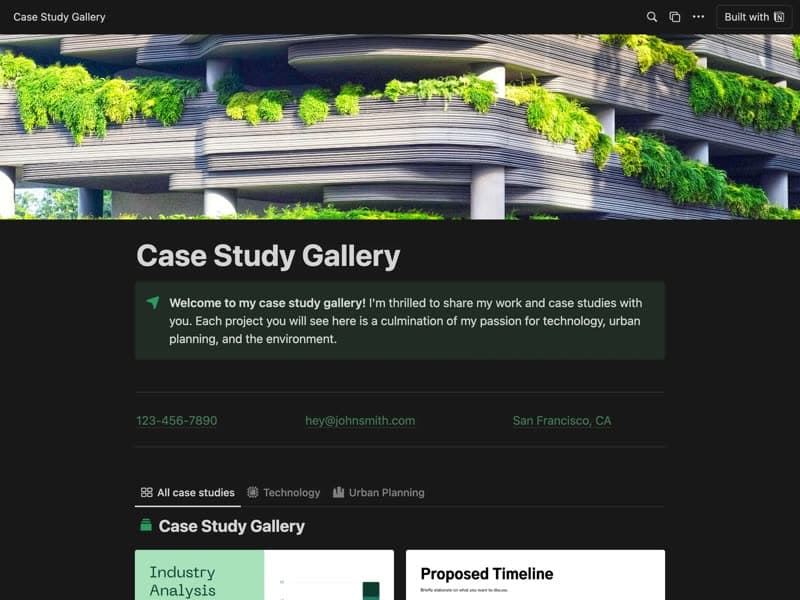
Case Study Gallery
A gallery of detailed case studies.
Publish your template on your own domain
Sotion turns a published Notion page into a website on your own domain, with your branding and, if you need it, member access.
Start free trial14-day free trial. No card needed.