

Help Center Notion template
By Notion · Help Center · Free
This efficient template allows you to construct your own help center, complete with columns, headings, and sub-pages. It's designed to be easily shareable with users, and it provides the flexibility to promptly add new support pages as and when needed. Businesses can use this template to create a dedicated help center for their customers, making it easier for them to find solutions to their queries and enhancing customer experience. Educational institutions can leverage this template to build a comprehensive help center for students, providing a centralized source of information and support on various topics. Software development teams can use this template to create a help center for their users, offering detailed guides, troubleshooting tips, and FAQs in a structured and accessible way.
14-day free trial. No card needed.
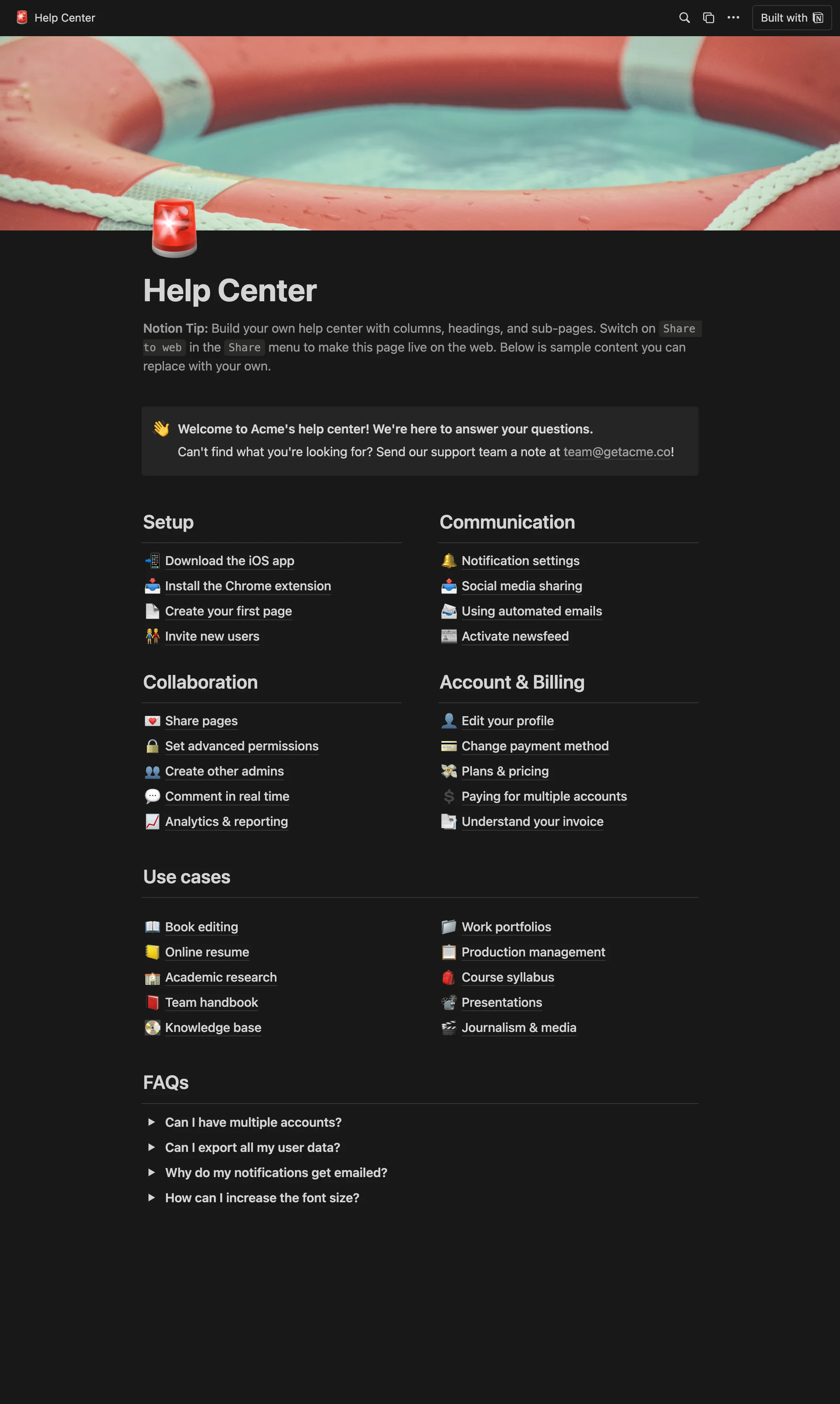
How to publish Help Center as a website
- 1
Duplicate the template
Open Help Center and click Duplicate, so a copy lands in your Notion workspace. Make it yours there.
- 2
Publish it to the web
In Notion, open Share, then Publish, and copy the link Notion shows.
- 3
Paste the link into Sotion
Your site goes live on a sotion.site address in about two minutes. Connect your own domain, and add passwords or member sign-in if the site isn't for everyone. The first 14 days are free, no card needed.
More templates by Notion
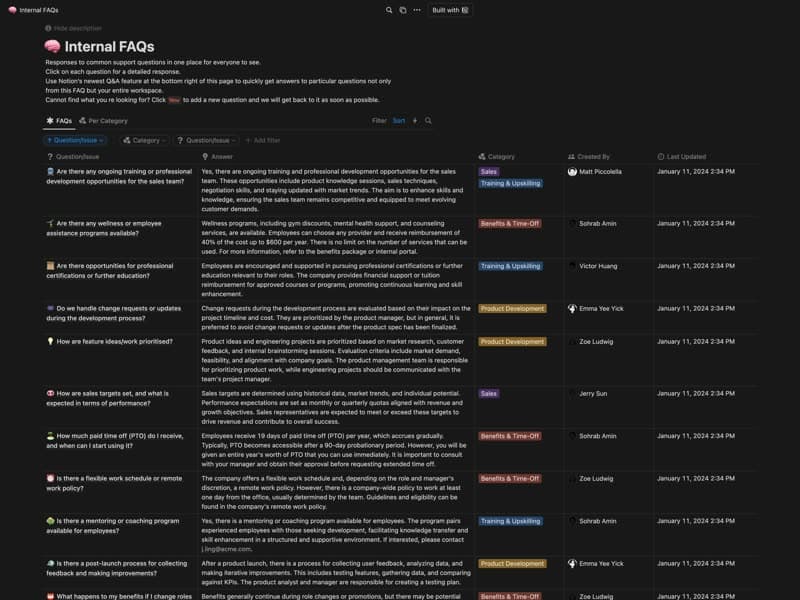
Internal FAQs
Company questions and answers, each with an owner.
Category: FAQFree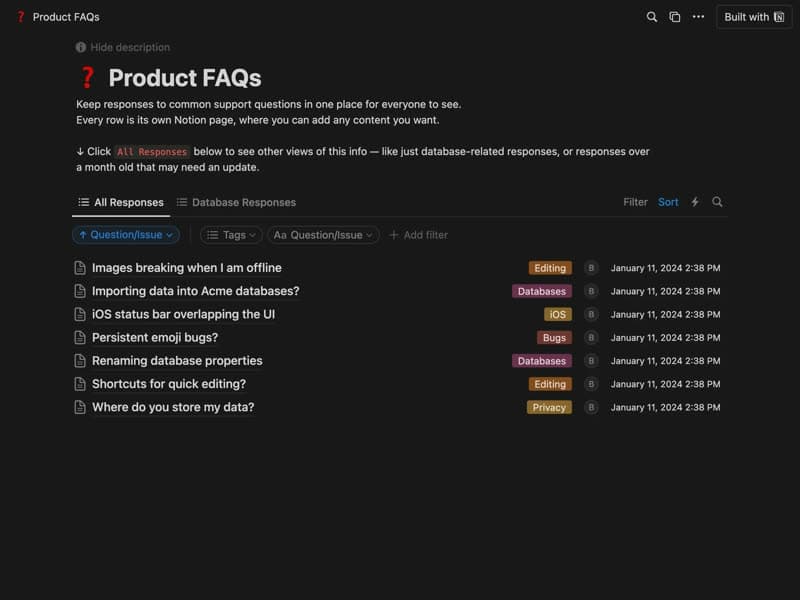
Product FAQs
Answers to common support questions, one page each.
Category: FAQFree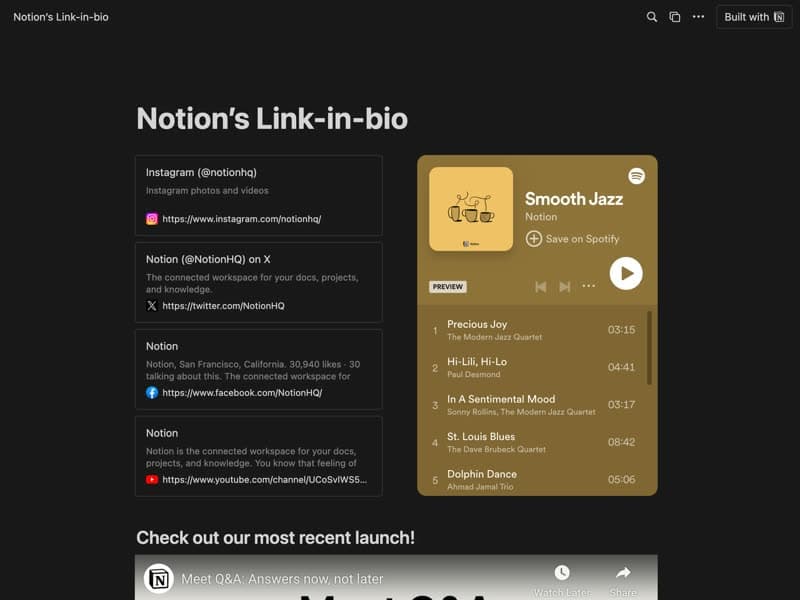
Link in Bio
All your links and social profiles on one page.
Publish your template on your own domain
Sotion turns a published Notion page into a website on your own domain, with your branding and, if you need it, member access.
Start free trial14-day free trial. No card needed.