

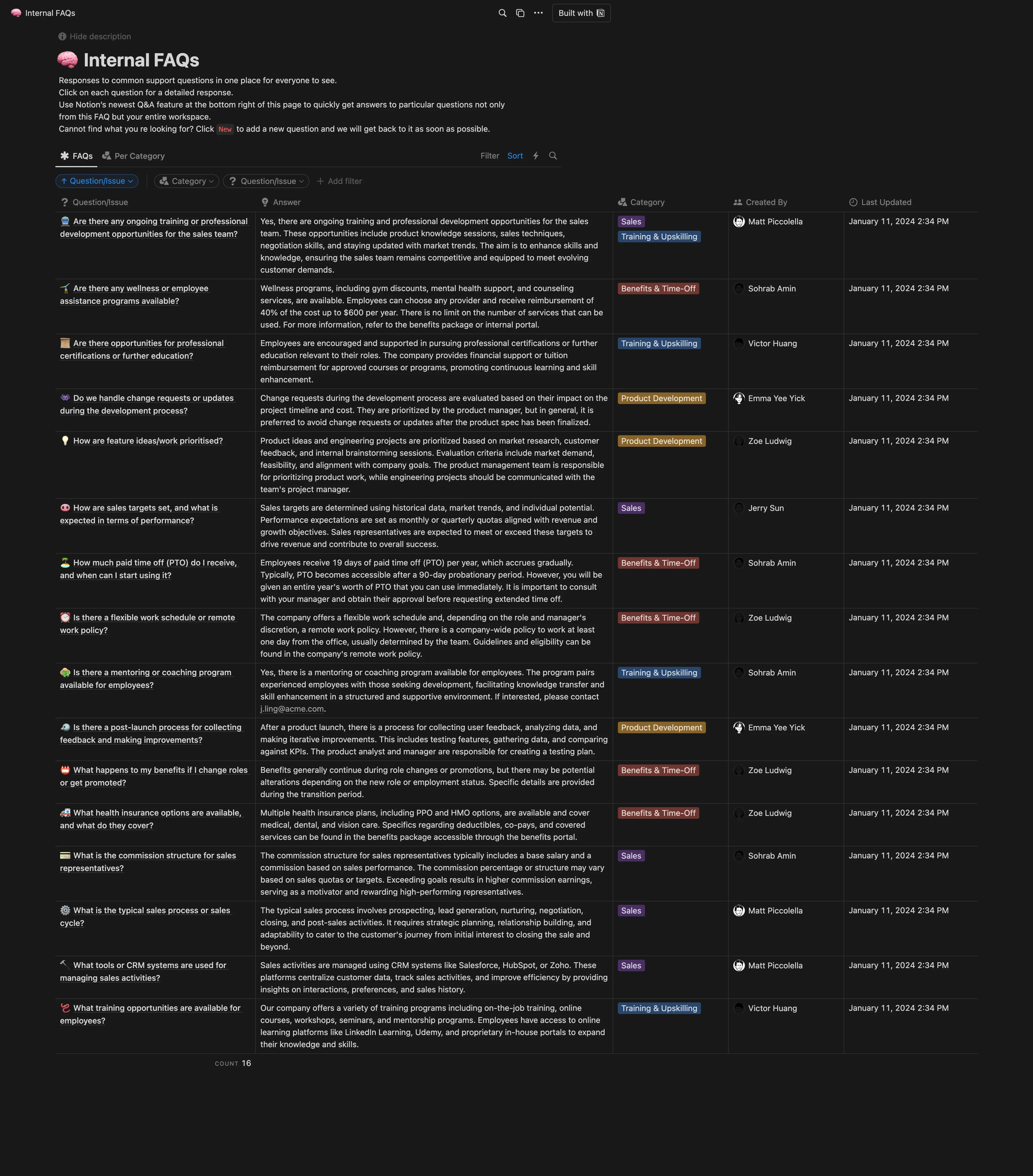
Internal FAQs Notion template
This interactive template serves as a centralized platform for all company-related Q&As. It enables employees to raise questions, tag the responsible party, and provide answers that can be viewed by the entire company. HR departments can use this template to facilitate open communication within the company, ensuring that all employees' questions are addressed in a transparent manner. Project management teams can utilize this template to manage project-related queries, ensuring that all team members have access to necessary information and updates. Training and development teams can use this template to compile frequently asked questions during training sessions, enabling them to provide clear and consistent answers to all trainees.
14-day free trial. No card needed.
How to publish Internal FAQs as a website
- 1
Duplicate the template
Open Internal FAQs and click Duplicate, so a copy lands in your Notion workspace. Make it yours there.
- 2
Publish it to the web
In Notion, open Share, then Publish, and copy the link Notion shows.
- 3
Paste the link into Sotion
Your site goes live on a sotion.site address in about two minutes. Connect your own domain, and add passwords or member sign-in if the site isn't for everyone. The first 14 days are free, no card needed.
More FAQ templates
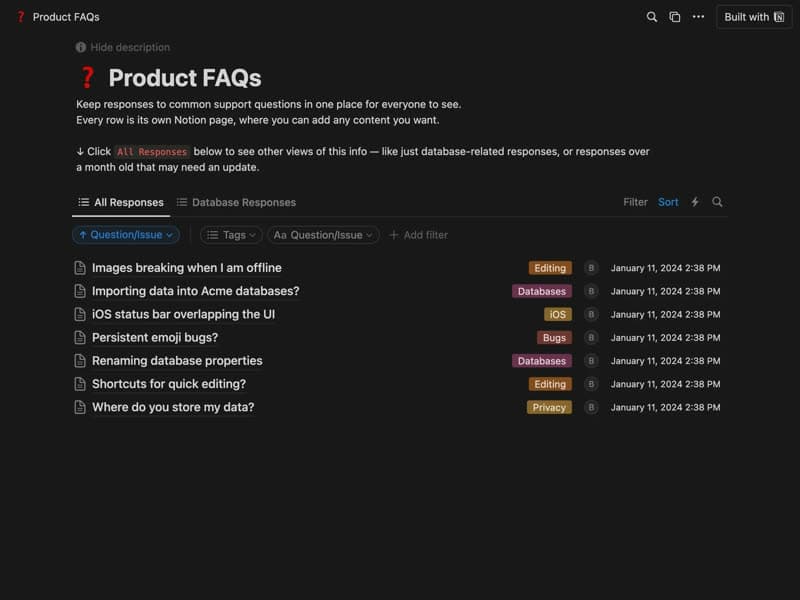
Product FAQs
Answers to common support questions, one page each.
Category: FAQFree
Publish your template on your own domain
Sotion turns a published Notion page into a website on your own domain, with your branding and, if you need it, member access.
Start free trial14-day free trial. No card needed.