

Investor update Notion template
By Notion · Pitch Deck · Free
Instead of sending disorganized emails to your investors, use this Notion template to offer them a more comprehensive and digestible overview of your progress. It's designed to organize your updates into structured sections, making it easier for investors to understand your achievements, challenges, and future plans. Startups can use this template to regularly update their investors about their progress, ensuring transparency and nurturing investor relations. Entrepreneurs can utilize this template to articulate their milestones, financials, and upcoming strategies, providing investors with a clear picture of the business. Business consultants and advisors can leverage this template to help their clients communicate effectively with their investors.
14-day free trial. No card needed.
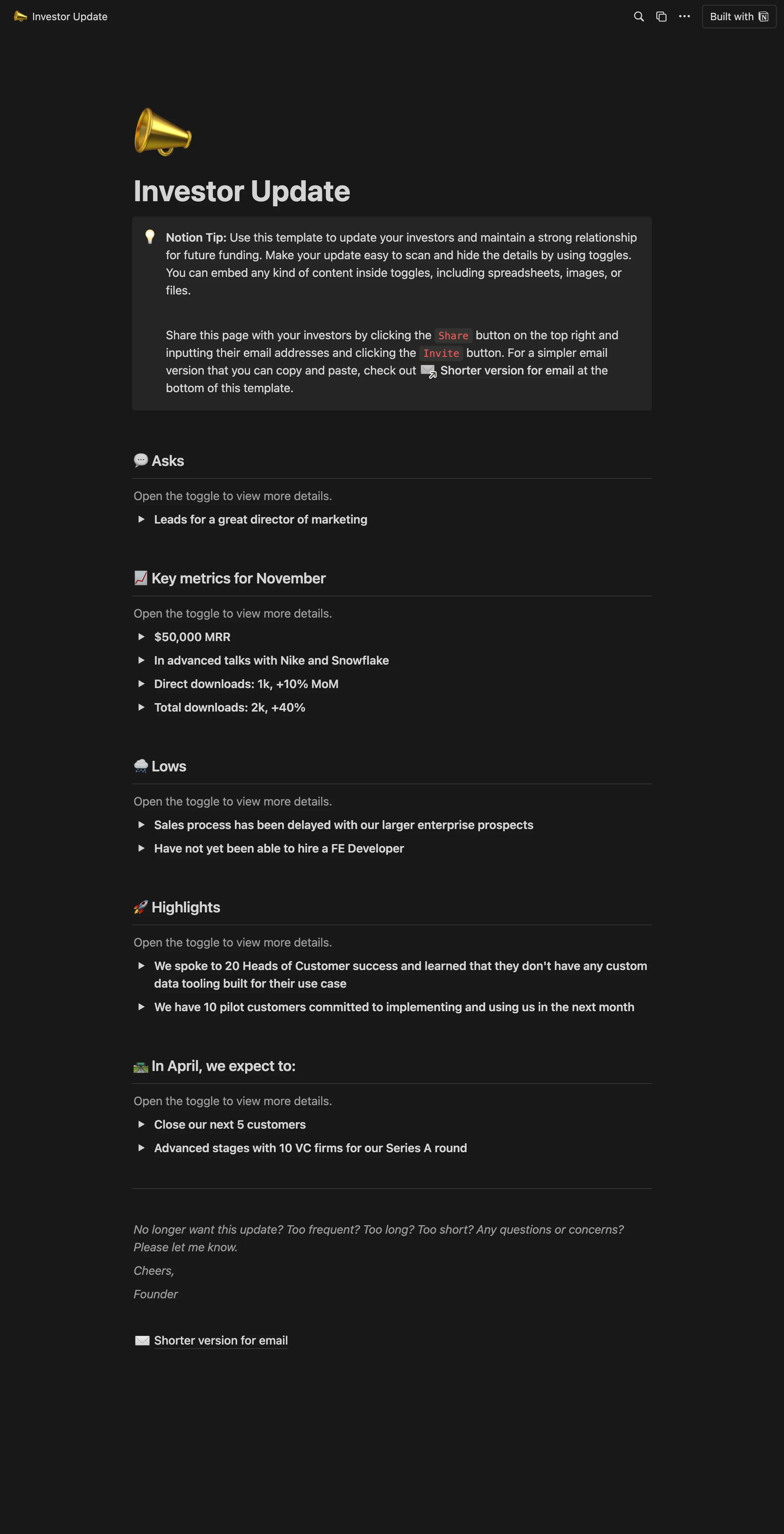
How to publish Investor update as a website
- 1
Duplicate the template
Open Investor update and click Duplicate, so a copy lands in your Notion workspace. Make it yours there.
- 2
Publish it to the web
In Notion, open Share, then Publish, and copy the link Notion shows.
- 3
Paste the link into Sotion
Your site goes live on a sotion.site address in about two minutes. Connect your own domain, and add passwords or member sign-in if the site isn't for everyone. The first 14 days are free, no card needed.
More Pitch Deck templates
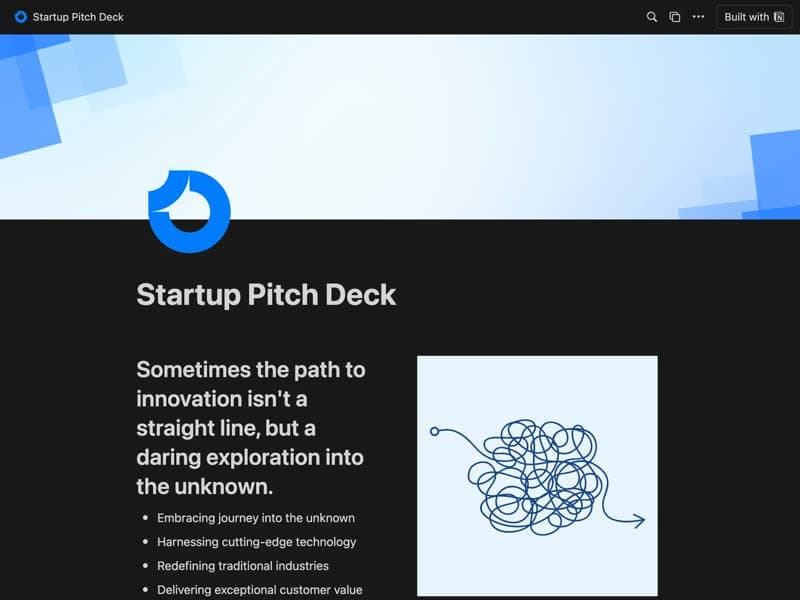
Startup Pitch Deck
Your vision, market and plan for investors.
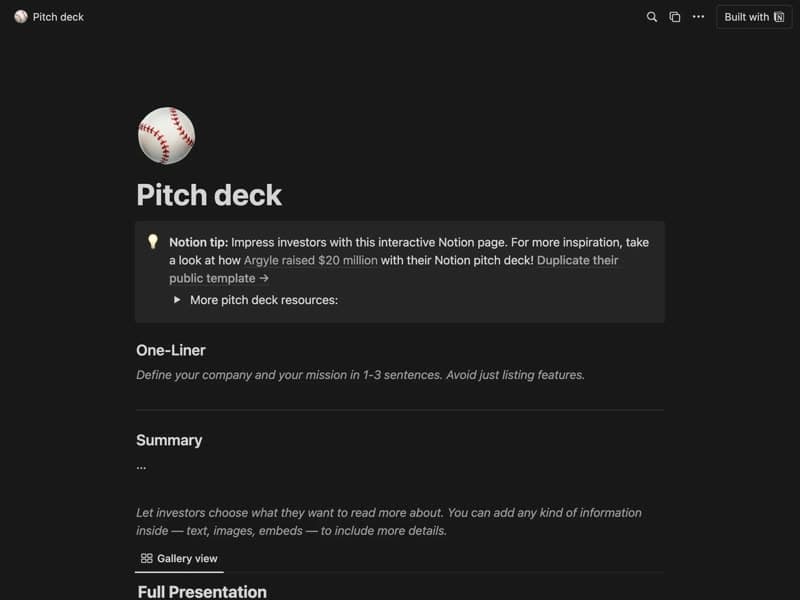
Pitch Deck
A pitch page that answers investors' questions.
Publish your template on your own domain
Sotion turns a published Notion page into a website on your own domain, with your branding and, if you need it, member access.
Start free trial14-day free trial. No card needed.