

Link in Bio Notion template
By Notion · Link in Bio · Free
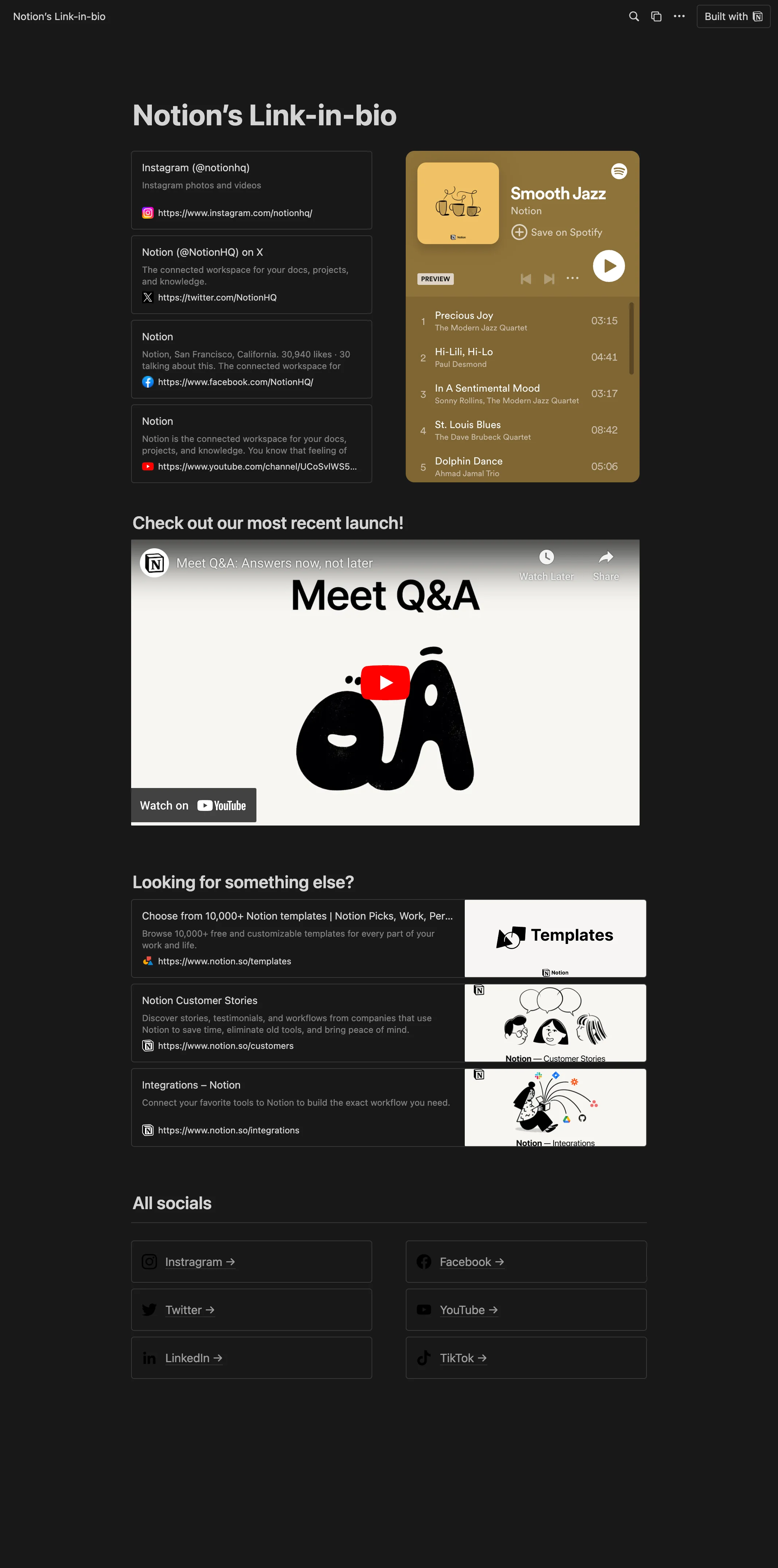
"Link in Bio" Template by Notion. This modern and streamlined template helps you optimize your online presence by consolidating and showcasing all your crucial links and social media profiles on a single, user-friendly, public page. Influencers and content creators can use this template to guide their followers to various platforms, promotional links, or any important content, all through a single link. Businesses can utilize this template to unify their online presence, leading customers to their website, e-commerce platform, social media profiles, and more. Professionals can leverage this template to compile their portfolio, resume, contact information, and other relevant links, simplifying networking and job applications.
14-day free trial. No card needed.
How to publish Link in Bio as a website
- 1
Duplicate the template
Open Link in Bio and click Duplicate, so a copy lands in your Notion workspace. Make it yours there.
- 2
Publish it to the web
In Notion, open Share, then Publish, and copy the link Notion shows.
- 3
Paste the link into Sotion
Your site goes live on a sotion.site address in about two minutes. Connect your own domain, and add passwords or member sign-in if the site isn't for everyone. The first 14 days are free, no card needed.
More templates by Notion
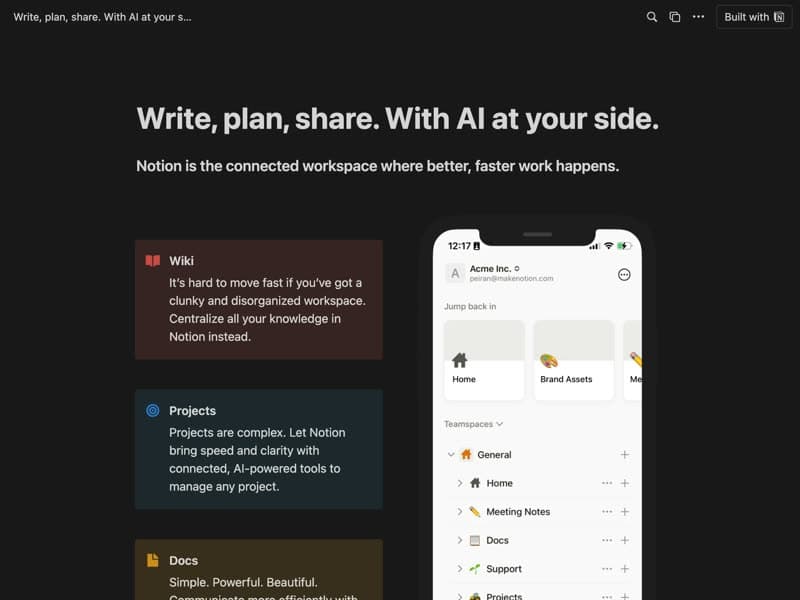
Landing Page
A page that introduces your product or service.
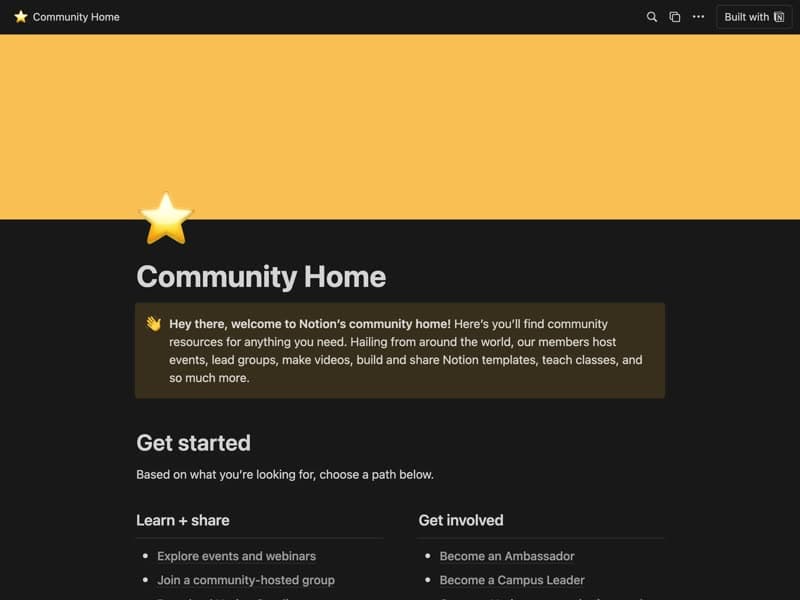
Community home
A hub for community events and member updates.

Conference Event Page
A conference's dates, location and agenda.
Publish your template on your own domain
Sotion turns a published Notion page into a website on your own domain, with your branding and, if you need it, member access.
Start free trial14-day free trial. No card needed.