

Nonprofit job board Notion template
By Notion · Careers Page · Free
This template is designed to help nonprofits organize and manage job details with ease. You can create a distinct list for each department with open roles, and use properties to display specific details such as location and the date/time each role was posted. Nonprofit organizations can use this template to maintain an organized, up-to-date list of job openings across various departments, improving their recruitment process. HR Managers in nonprofits can leverage this template to manage job openings, ensuring that all pertinent details such as location and posting date/time are readily available. Volunteers who assist in recruitment at nonprofits can use this template to keep track of open roles and their specifics.
14-day free trial. No card needed.
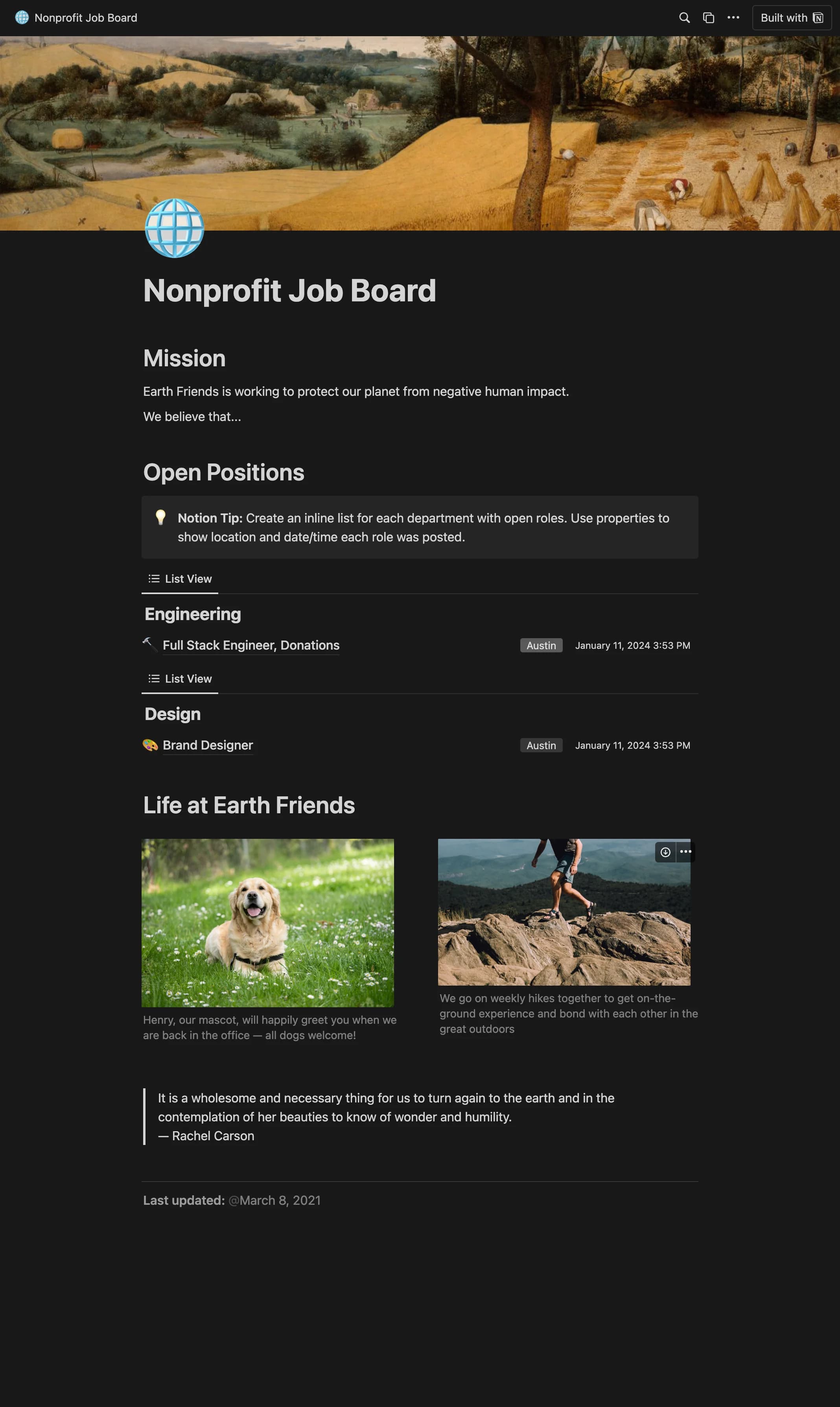
How to publish Nonprofit job board as a website
- 1
Duplicate the template
Open Nonprofit job board and click Duplicate, so a copy lands in your Notion workspace. Make it yours there.
- 2
Publish it to the web
In Notion, open Share, then Publish, and copy the link Notion shows.
- 3
Paste the link into Sotion
Your site goes live on a sotion.site address in about two minutes. Connect your own domain, and add passwords or member sign-in if the site isn't for everyone. The first 14 days are free, no card needed.
More Careers Page templates
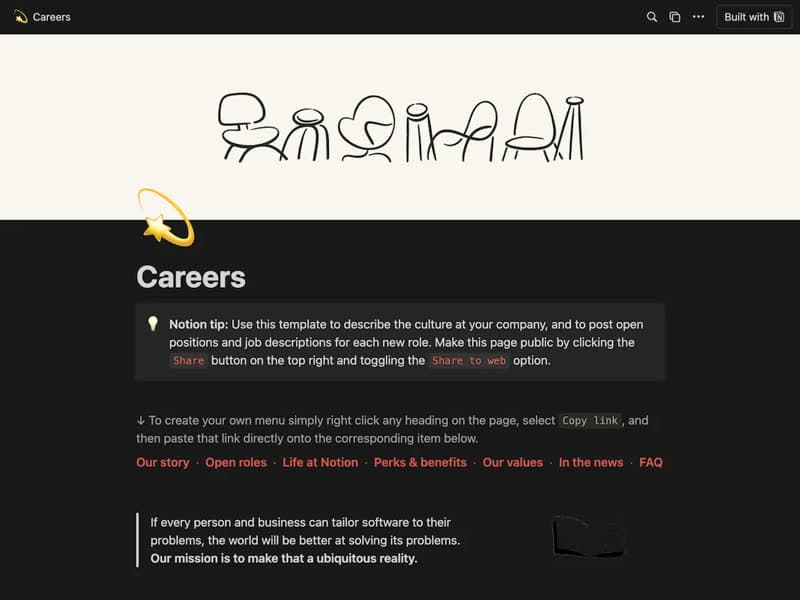
Careers Page
Your company culture and open roles on one page.
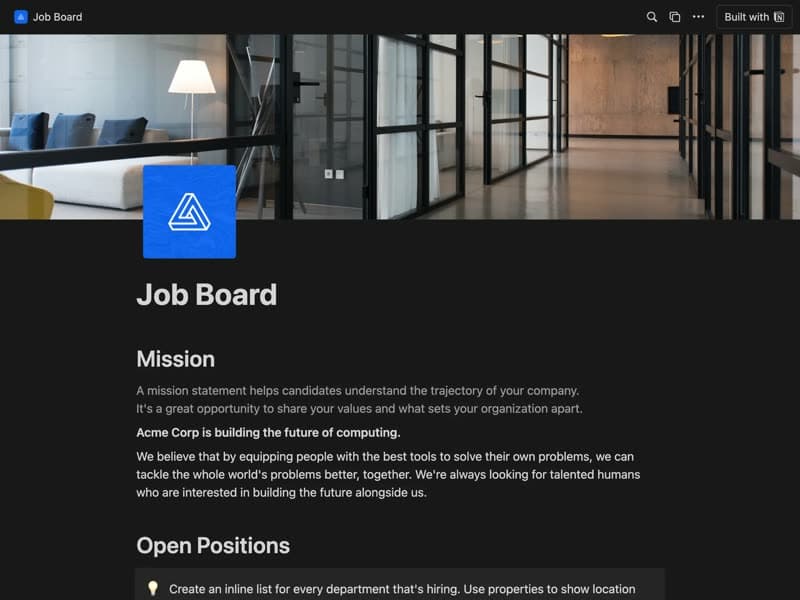
Job board
Open roles tagged by team and posting date.
Publish your template on your own domain
Sotion turns a published Notion page into a website on your own domain, with your branding and, if you need it, member access.
Start free trial14-day free trial. No card needed.