

Notion website suite template
By Deepak Yadav · Personal Website · Paid
This template is designed for individuals, businesses or agencies who need to create and manage multiple websites without consuming valuable time. It includes several main pages and additional pages for comprehensive website management. This template is intended for those who want to maintain a professional and organized online presence, whether they're freelancers, agencies, or other professionals managing multiple websites.
14-day free trial. No card needed.

How to publish Notion website suite as a website
- 1
Buy and duplicate the template
Buy Notion website suite from Deepak Yadav, then duplicate it into your Notion workspace and make it yours there.
- 2
Publish it to the web
In Notion, open Share, then Publish, and copy the link Notion shows.
- 3
Paste the link into Sotion
Your site goes live on a sotion.site address in about two minutes. Connect your own domain, and add passwords or member sign-in if the site isn't for everyone. The first 14 days are free, no card needed.
More Personal Website templates
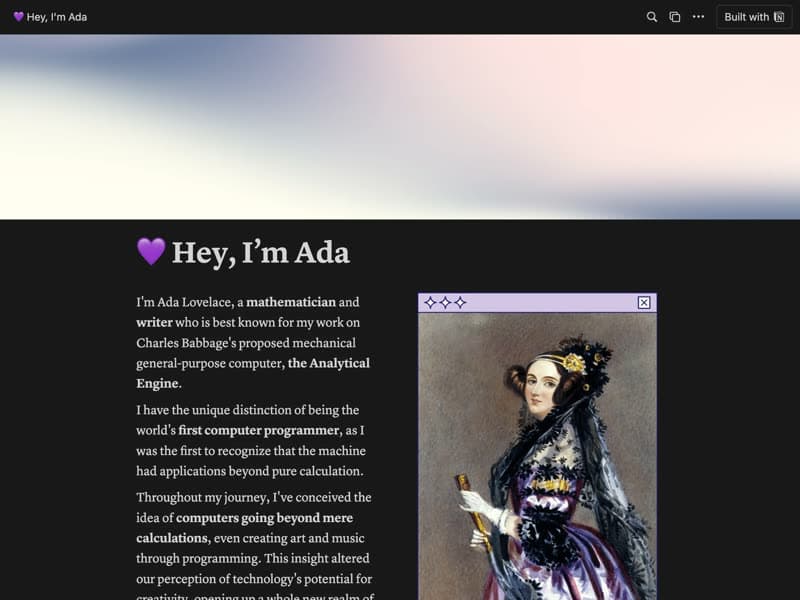
Personal Website
A homepage for your work, projects and contact details.
Publish your template on your own domain
Sotion turns a published Notion page into a website on your own domain, with your branding and, if you need it, member access.
Start free trial14-day free trial. No card needed.