

Online Course Homepage Notion template
By Notion · Course Site · Free
This intuitive and comprehensive platform is designed for educators to organize and display all key information for their online courses, covering everything from schedules and resources to assignments and policies. Online educators can use this template to organize their course content and schedule, making it easier for them to manage and update their course as it progresses. E-learning platform developers can use this template as a base to build more complex course structures, ensuring that all key information is easily accessible and well-organized. Course creators can use this template to design and plan their course layout before they launch, ensuring that they have covered all necessary areas such as schedules, resources, assignments, and policies.
14-day free trial. No card needed.
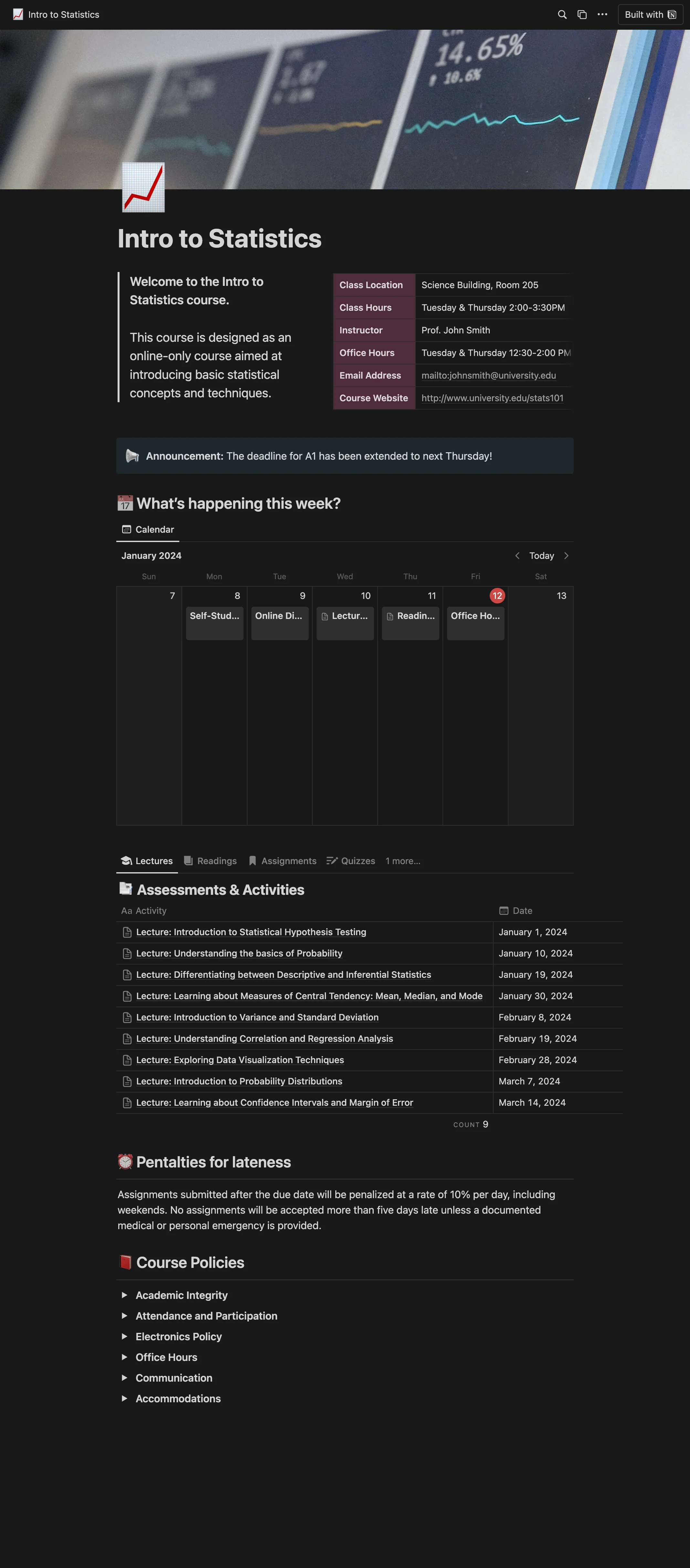
How to publish Online Course Homepage as a website
- 1
Duplicate the template
Open Online Course Homepage and click Duplicate, so a copy lands in your Notion workspace. Make it yours there.
- 2
Publish it to the web
In Notion, open Share, then Publish, and copy the link Notion shows.
- 3
Paste the link into Sotion
Your site goes live on a sotion.site address in about two minutes. Connect your own domain, and add passwords or member sign-in if the site isn't for everyone. The first 14 days are free, no card needed.
More Course Site templates
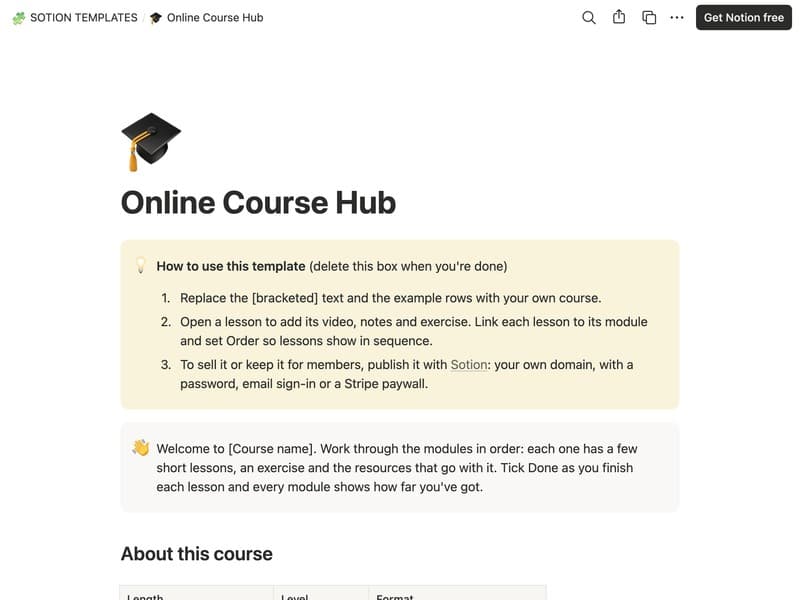
Online Course Hub
A course home with modules, lessons and resources.
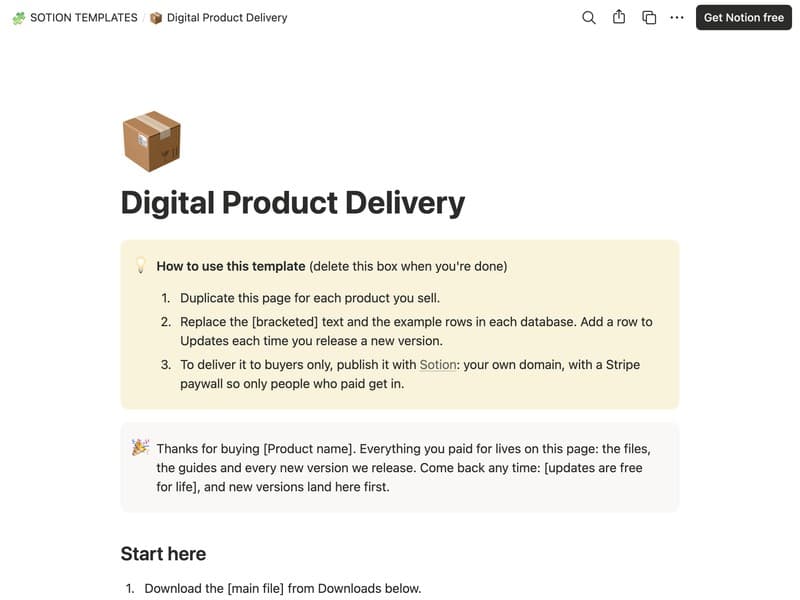
Digital Product Delivery
A download page with files, guides and updates for buyers.
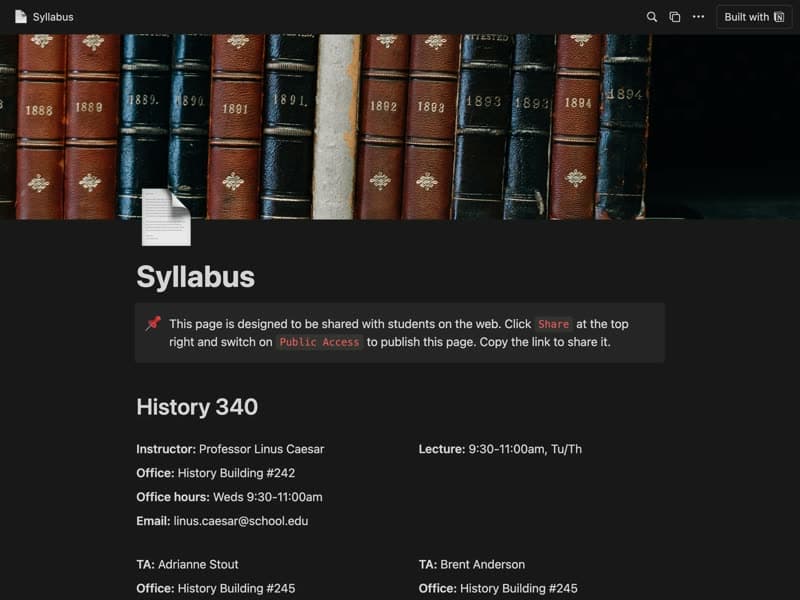
Syllabus
A course syllabus your students can open on the web.
Publish your template on your own domain
Sotion turns a published Notion page into a website on your own domain, with your branding and, if you need it, member access.
Start free trial14-day free trial. No card needed.