

Product FAQs Notion template
This efficient template enables you to consolidate responses to frequently asked support questions in one accessible location. Each row functions as an individual Notion page, allowing you to add any content as per the requirements. Customer Support teams can use this template to manage and share responses to common customer queries, thereby improving efficiency and customer satisfaction. IT departments can utilize this template to document solutions to common technical issues, ensuring quick resolution and minimal downtime. Training teams can leverage this template to compile answers to frequent questions, providing a valuable resource for new trainees.
14-day free trial. No card needed.
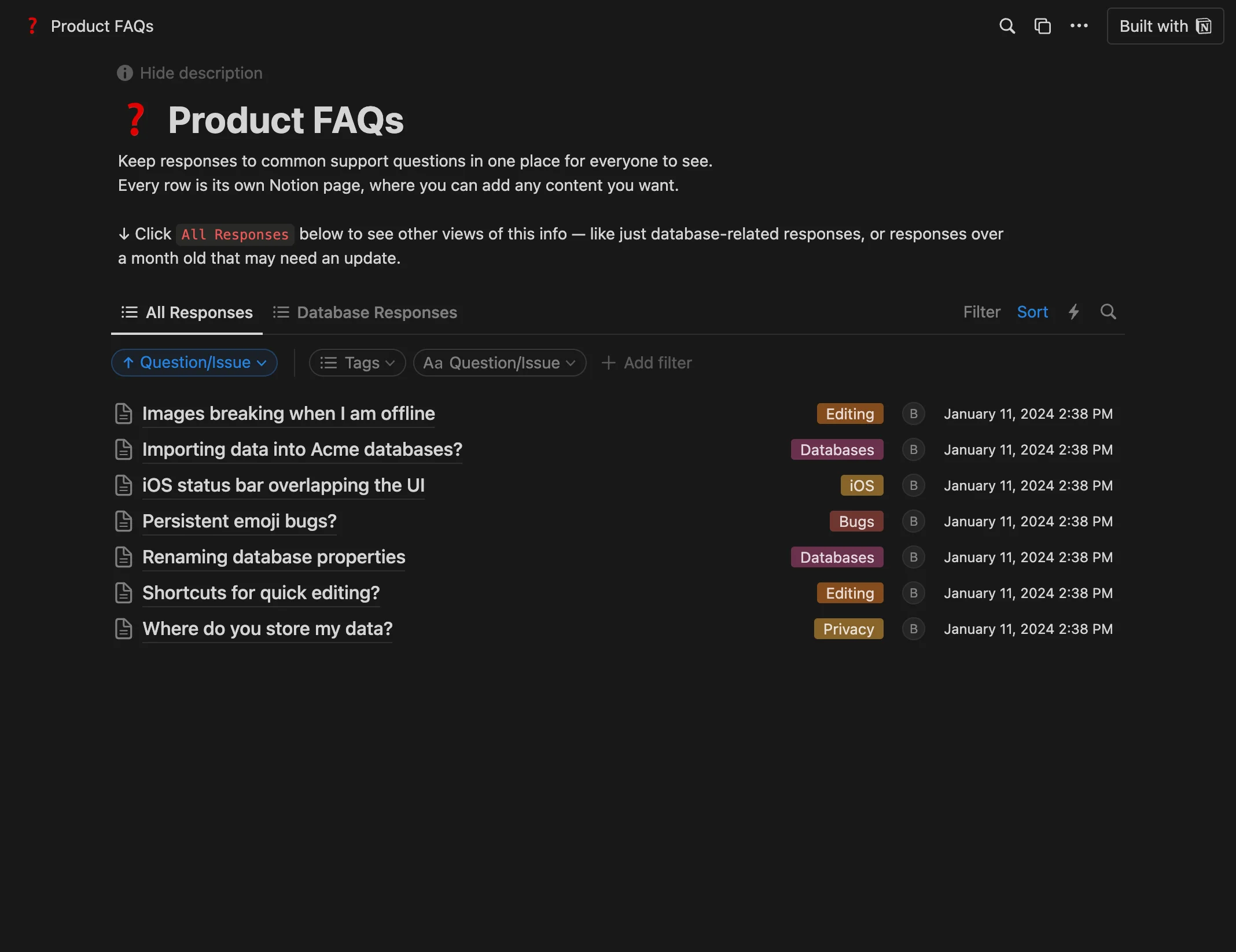
How to publish Product FAQs as a website
- 1
Duplicate the template
Open Product FAQs and click Duplicate, so a copy lands in your Notion workspace. Make it yours there.
- 2
Publish it to the web
In Notion, open Share, then Publish, and copy the link Notion shows.
- 3
Paste the link into Sotion
Your site goes live on a sotion.site address in about two minutes. Connect your own domain, and add passwords or member sign-in if the site isn't for everyone. The first 14 days are free, no card needed.
More FAQ templates
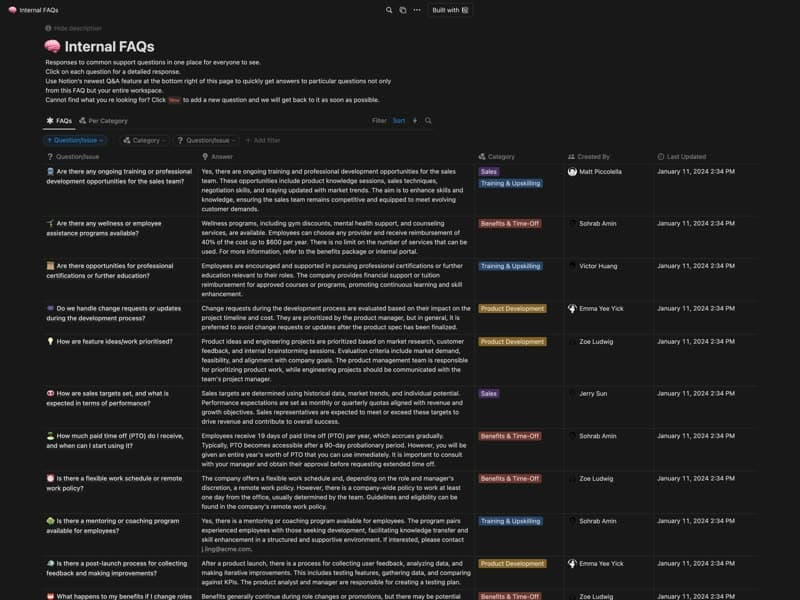
Internal FAQs
Company questions and answers, each with an owner.
Category: FAQFree
Publish your template on your own domain
Sotion turns a published Notion page into a website on your own domain, with your branding and, if you need it, member access.
Start free trial14-day free trial. No card needed.