

Resume Notion template
Construct an aesthetically pleasing and practical resume right within your workspace. The beauty of this template is that it allows for continual enhancements to your resume even after it has been dispatched. Professionals can use this template to create a dynamic resume that grows with their career, allowing them to easily update and send it out as opportunities arise. Job seekers can build a flexible resume that can be tailored and improved for each job application, increasing their chances of success. Students can use it to maintain an ongoing record of their academic and extracurricular achievements, ready to be sent out for internships or scholarships at any time.
14-day free trial. No card needed.
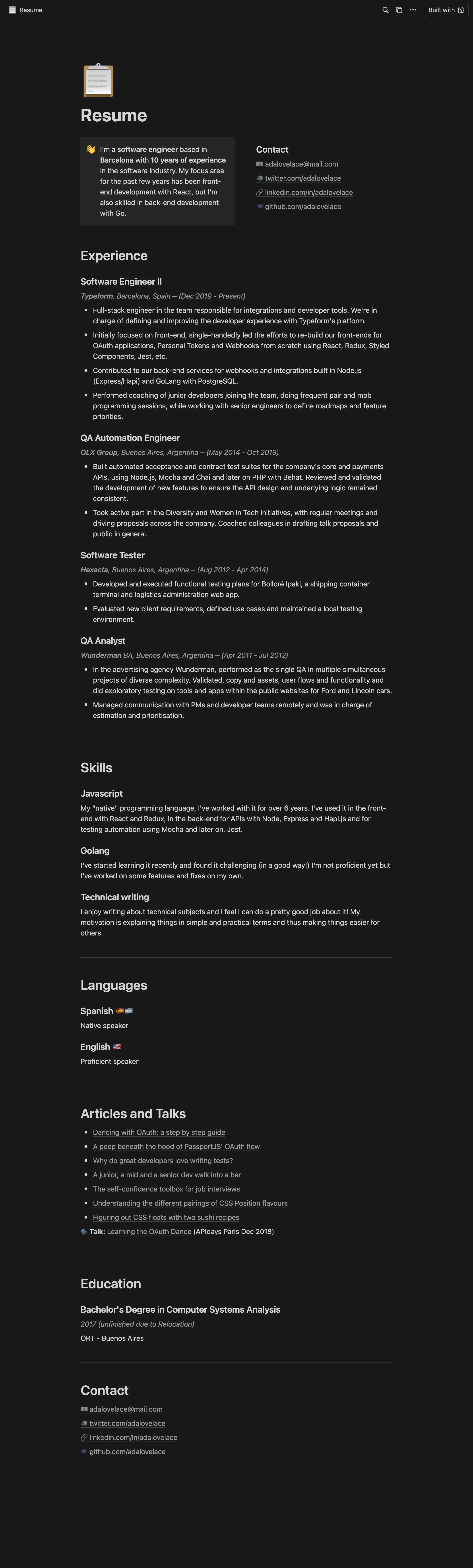
How to publish Resume as a website
- 1
Duplicate the template
Open Resume and click Duplicate, so a copy lands in your Notion workspace. Make it yours there.
- 2
Publish it to the web
In Notion, open Share, then Publish, and copy the link Notion shows.
- 3
Paste the link into Sotion
Your site goes live on a sotion.site address in about two minutes. Connect your own domain, and add passwords or member sign-in if the site isn't for everyone. The first 14 days are free, no card needed.
More Resume templates
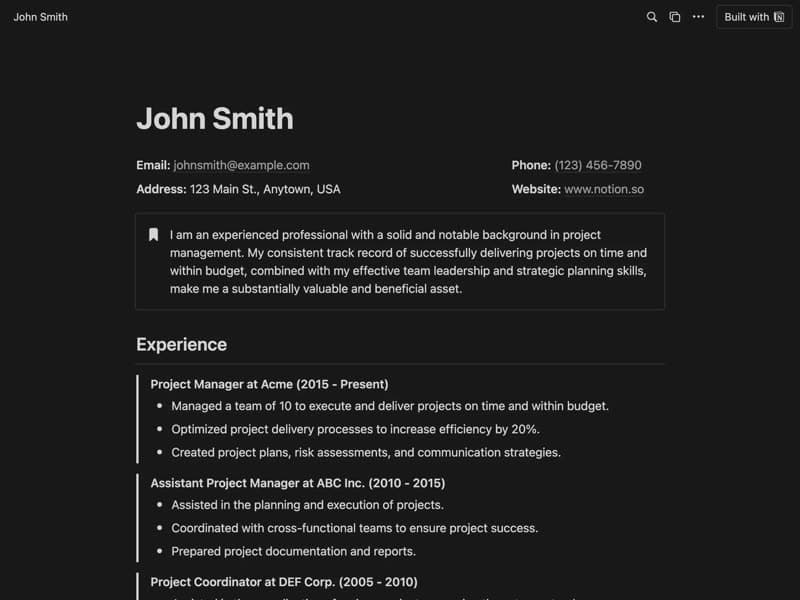
Professional Resume
A one-page resume of experience, skills and education.
Category: ResumeFree
Publish your template on your own domain
Sotion turns a published Notion page into a website on your own domain, with your branding and, if you need it, member access.
Start free trial14-day free trial. No card needed.