

Team Handbook Notion template
This template puts how your company works on one page: your values, basics like working hours and pay day, and who to ask for help. Four databases hold the rest. Policies gives each one an area, an owner and a review date, the Onboarding checklist covers a new starter's first month, Tools lists what you use and who grants access, and Who's who says what each person can help with. Founders can write down how the company runs as it grows. People leads can onboard every new starter the same way. Remote teams get one place to look things up. Publish it with Sotion on your own domain, with email sign-in and an allowlist so only your team gets in.
14-day free trial. No card needed.
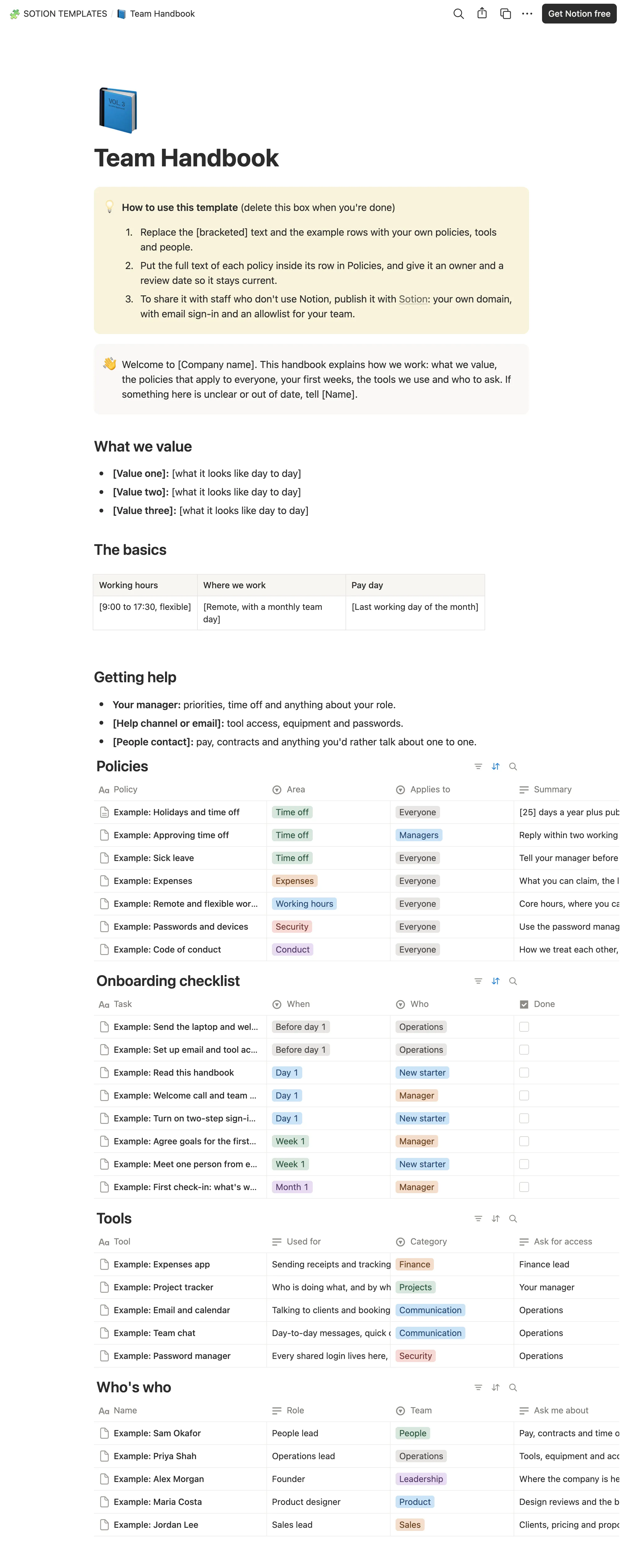
How to publish Team Handbook as a website
- 1
Duplicate the template
Open Team Handbook and click Duplicate, so a copy lands in your Notion workspace. Make it yours there.
- 2
Publish it to the web
In Notion, open Share, then Publish, and copy the link Notion shows.
- 3
Paste the link into Sotion
Your site goes live on a sotion.site address in about two minutes. Connect your own domain, and add passwords or member sign-in if the site isn't for everyone. The first 14 days are free, no card needed.
More templates by Sotion
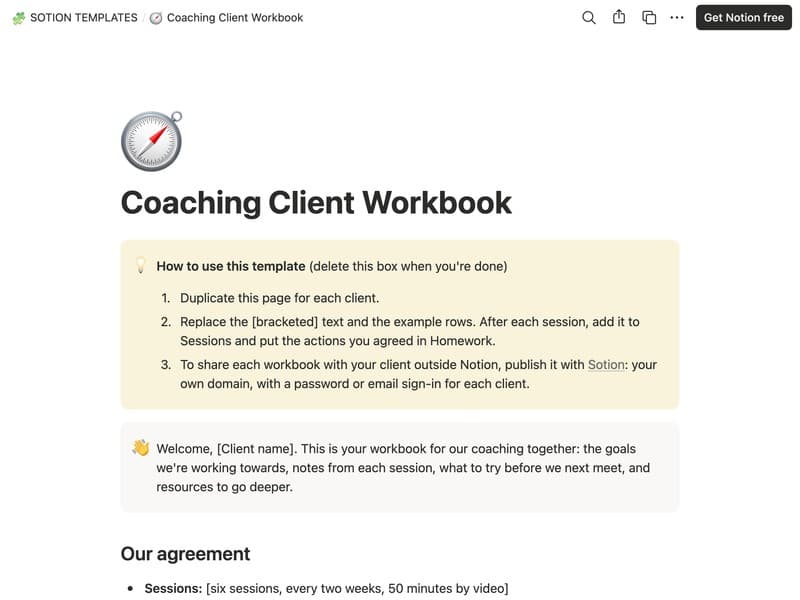
Coaching Client Workbook
Goals, session notes, homework and resources for each client.
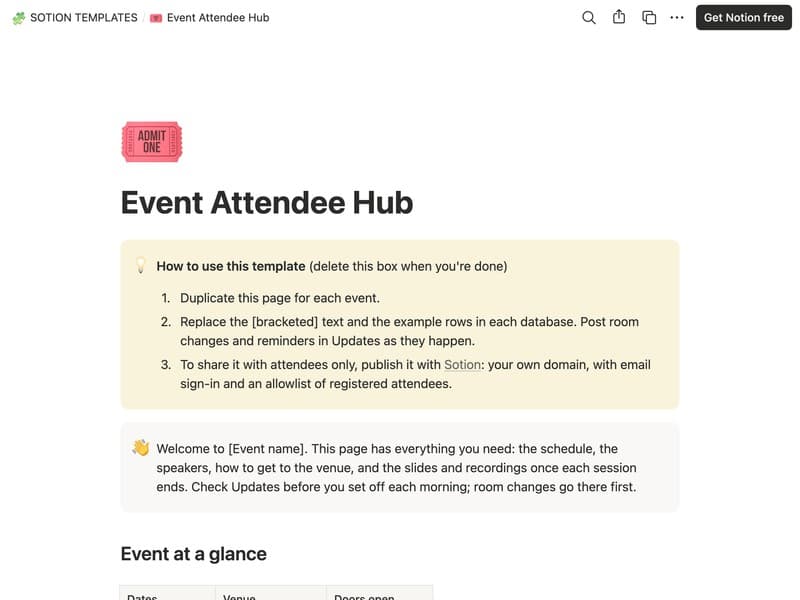
Event Attendee Hub
The schedule, speakers, venue details and materials for attendees.
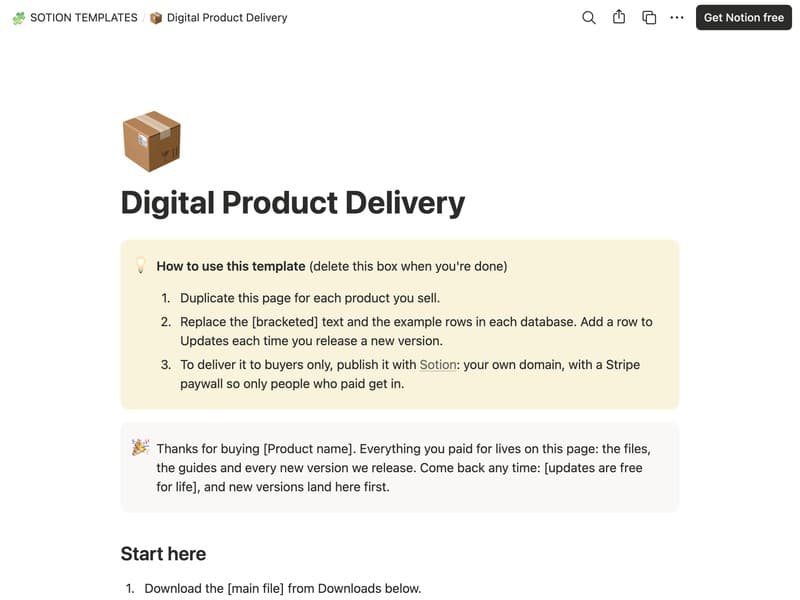
Digital Product Delivery
A download page with files, guides and updates for buyers.
Publish your template on your own domain
Sotion turns a published Notion page into a website on your own domain, with your branding and, if you need it, member access.
Start free trial14-day free trial. No card needed.